
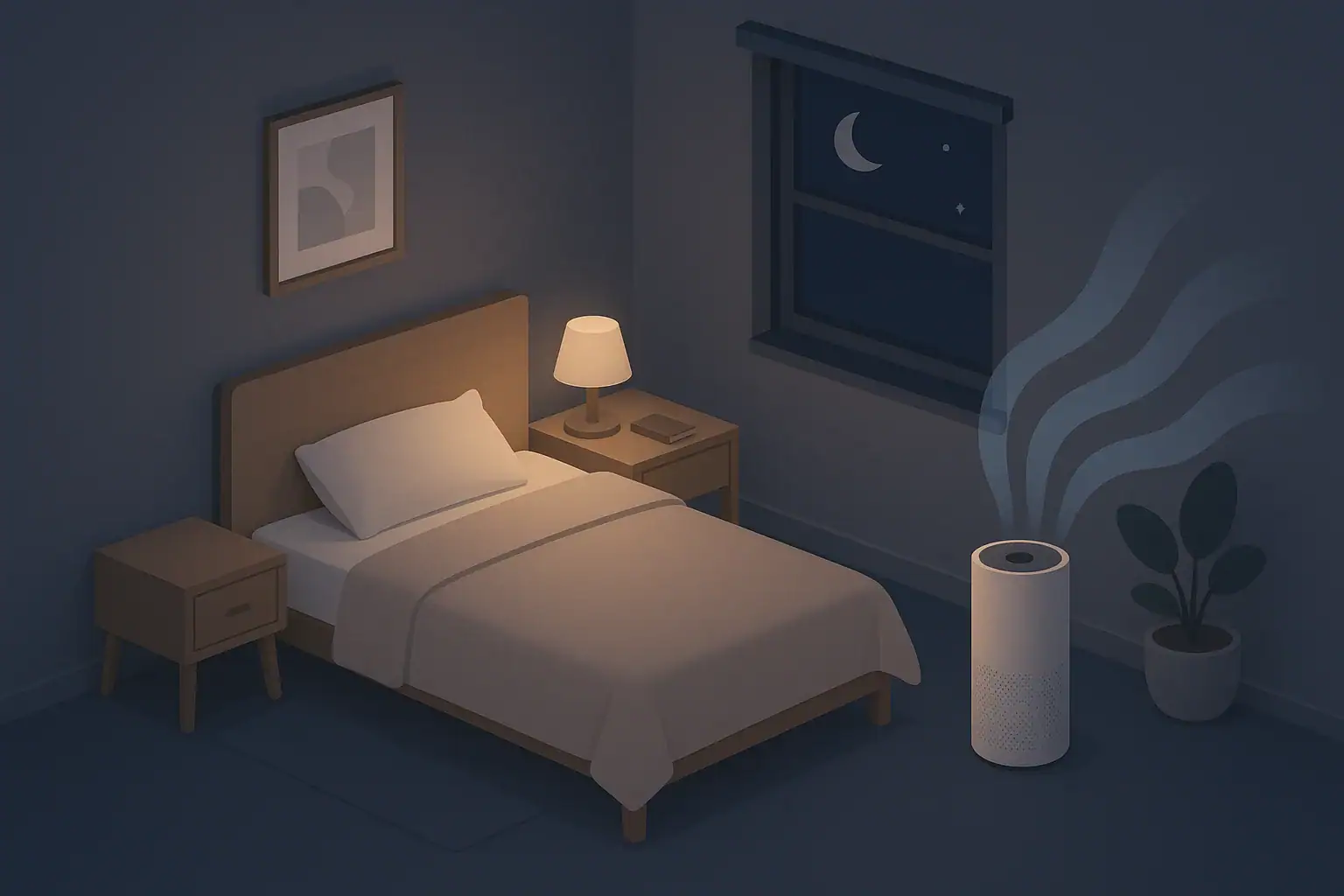
Bedroom air quality affects comfort, perceived restfulness, and how stuffy a room feels overnight. Many people place their main air purifier in the bedroom so that the air passing through their breathing zone is filtered for dust, pet dander, smoke, or general indoor particles. The challenge is balancing clean air with noise that is actually tolerable while you sleep.
Air purifiers move air with a fan, and fans make sound. The higher the airflow, the more noise you will hear. Manufacturers respond to this by adding a dedicated “sleep mode” or “night mode” that reduces fan speed and turns off distracting lights. However, the label “sleep mode” is not standardized. It can mean very different things from one device to another.
Understanding how sleep mode affects noise, airflow, and filtration helps you use your purifier effectively without relying only on marketing terms. In some rooms, you may choose to run higher fan speeds before bed and then switch to a quieter setting at night. In others, a constant low speed might be enough to keep the room feeling fresh.
Why Quiet Air Purifiers Matter in Bedrooms
Bedroom air quality affects comfort, perceived restfulness, and how stuffy a room feels overnight. Many people place their main air purifier in the bedroom so that the air passing through their breathing zone is filtered for dust, pet dander, smoke, or general indoor particles. The challenge is balancing clean air with noise that is actually tolerable while you sleep.
Air purifiers move air with a fan, and fans make sound. The higher the airflow, the more noise you will hear. Manufacturers respond to this by adding a dedicated “sleep mode” or “night mode” that reduces fan speed and turns off distracting lights. However, the label “sleep mode” is not standardized. It can mean very different things from one device to another.
Understanding how sleep mode affects noise, airflow, and filtration helps you use your purifier effectively without relying only on marketing terms. In some rooms, you may choose to run higher fan speeds before bed and then switch to a quieter setting at night. In others, a constant low speed might be enough to keep the room feeling fresh.
What “Sleep Mode” on Air Purifiers Usually Does
Sleep mode is typically a preset that adjusts several things at once, aiming to make the purifier less noticeable in a dark, quiet room. Because there is no common standard, you need to think of it as a collection of likely behaviors rather than a guaranteed specification.
Common Features of Sleep or Night Mode
On most air purifiers, sleep mode affects:
- Fan speed: Automatically drops to the lowest or near-lowest setting.
- Noise level: Sound pressure decreases because less air is moving through the fan.
- Indicator lights: Panel lights dim or turn off to reduce light pollution in the room.
- Display behavior: Screens may go dark after a brief period.
- Auto-sensing: Some models reduce or pause air quality sensor-driven speed changes overnight.
Sleep mode is designed for comfort, not maximum cleaning. That means your purifier may remove particles more slowly while you sleep compared with what it can do on a higher speed.
Noise Levels and Typical Bedroom Thresholds
Decibels (dB) are often how manufacturers report noise from air purifiers; human perception of noise is subjective, but many people find that continuous, steady “fan” sounds are easier to tolerate than sudden or varying noises.
Very broadly, bedroom users often prefer:
- Lower 20s to mid-30s dB (approximate examples): Often described as quiet or whisper-like in a still room.
- Mid-30s to mid-40s dB: Noticeable but can act like white noise for some sleepers.
- Above this range: May feel too loud in a very quiet bedroom, especially for light sleepers.
These are general comfort ranges, not rules. Some people enjoy more pronounced fan noise, while others want the room as close to silent as possible.
What Sleep Mode Means for Filtration Performance
When speed drops, the air purifier processes less air per hour. That matters for effective air changes per hour (ACH) and cleaning speed.
- High speed: More air passes through filters, so particles are removed more quickly.
- Low or sleep speed: Air changes are slower, so it takes longer to clear dust, smoke, or outdoor pollution that drifts inside.
If your room is large compared with the purifier’s capacity, running only sleep mode may mean the purifier never really “catches up” when pollution levels rise. Understanding this trade-off helps you plan when to use quiet mode versus normal or high speeds.
Example values for illustration.
| Mode | Typical fan speed behavior | Noise expectation | When it is usually helpful |
|---|---|---|---|
| High / Turbo | Maximum airflow through filters | Loudest setting; may disturb light sleepers | Quickly reducing particles before bed or after smoke/odors |
| Medium | Balanced airflow | Moderate fan sound | General evening use when the room is occupied |
| Low | Reduced airflow | Quieter; often acceptable in bedrooms | Overnight use in moderately sized rooms |
| Sleep / Night | Lowest or near-lowest speed plus dimmed lights | Quietest; often close to background noise | Overnight in very quiet homes or for light sleepers |
| Auto | Changes speed based on sensor readings | Can fluctuate; may increase suddenly | Daytime use when noise changes are less disruptive |
| Off | No airflow or filtration | Silent | Not recommended if you rely on constant filtration |
Balancing Quiet Operation with Effective Bedroom Filtration
A quiet air purifier is only useful if it actually moves enough air to make a difference in the room. To plan for both comfort and performance, you need to think about airflow, room size, and how long the purifier runs at different speeds.
Understanding CADR and ACH in the Context of Sleep
Two common ideas help you think about performance:
- Clean Air Delivery Rate (CADR): A measure of how much filtered air the purifier provides per minute under standardized test conditions.
- Air Changes per Hour (ACH): How many times per hour the purifier can theoretically filter the entire volume of air in the room.
A unit sized appropriately for your bedroom can often run on low or sleep mode and still maintain reasonable ACH, especially if you also run it on higher speeds at other times. A small purifier in a large bedroom may need to run on medium or high for a significant part of the day to keep up with particle sources such as outdoor pollution, dust, or smoke from cooking drifting in.
Pre-Cleaning Strategy Before Bed
One useful approach is to combine strong cleaning earlier with quiet operation overnight:
- Run the purifier on high or medium for 30–90 minutes before bedtime (duration depends on room size and sources).
- Close doors and windows if practical so the purifier is working mostly on the air in that room.
- Switch to low or sleep mode when you are ready to sleep.
This allows the purifier to remove a large portion of particles while noise is less of a concern, then maintain cleaner air quietly at night.
Placement for Quiet and Effective Airflow
Where you place the purifier matters for both sound and airflow:
- Avoid corners and tight gaps: Allow at least several inches of clearance so air can enter and exit freely.
- Keep it off soft surfaces: Thick carpet or bedding directly under the intake can restrict airflow.
- Do not block the outlet: Maintain open space where clean air is discharged.
- Distance from the bed: Placing the purifier a few feet away or near the foot of the bed often reduces perceived noise while still circulating air through the room.
- Avoid direct airflow on your face: Continuous drafts may feel uncomfortable even if the noise is low.
Noise Characteristics: Fan Sound, Tones, and White Noise
Noise is not only about volume. The quality of the sound also affects how you experience it while trying to sleep. Two air purifiers with similar measured decibels can feel very different in a quiet bedroom.
Types of Sounds You Might Hear
Air purifiers can produce several audible elements:
- Steady fan hum: The continuous, soft whooshing of air moving through the fan and filters.
- High-pitched tones or whine: Some designs produce more noticeable pitch that can bother sensitive listeners.
- Rattles or buzzes: Caused by loose panels, filter frames, or objects vibrating on top of the unit.
- Speed changes: Auto modes that ramp up suddenly can wake light sleepers.
Many people prefer a smooth, broadband “white noise” or “fan noise” that stays consistent through the night. Sudden changes or periodic beeps are more likely to interrupt sleep.
How to Minimize Disturbing Noises
There are several practical steps you can take without modifying the device:
- Use manual low or sleep mode: If auto mode changes speed often, choose a fixed low setting overnight.
- Check stability: Make sure the purifier sits flat; wobble can create extra noise.
- Remove small objects: Avoid placing books or devices on top of the purifier, which can vibrate.
- Secure filters correctly: Follow the manual so filters sit firmly in place and do not rattle.
- Clean air intakes: Dust buildup can sometimes change airflow noise; gentle cleaning can help maintain smooth operation.
Light and Display Behavior at Night
Even when sound is acceptable, bright lights can feel intrusive. Sleep modes often include:
- Dimmed indicators: Power and mode lights become faint.
- Dark displays: Screens shut off after a delay.
- Reduced or muted alerts: Fewer beeps or alarms in the middle of the night, depending on design.
If your purifier does not have a true display-off function, you can often position it so the display does not shine directly toward the bed, or you can use non-permanent light-diffusing methods that do not block vents or controls.
Sleep Mode and Filter Efficiency: HEPA, Carbon, and Bypass
Sleep mode does not change what the filters can capture, but it changes how much air passes through those filters each hour. To understand what is happening inside the purifier while on a quiet setting, it helps to know the basics of common filter types.
HEPA-Style Filters in Quiet Operation
Many bedroom-focused purifiers use a high-efficiency particulate filter, often advertised as HEPA or true HEPA. These filters are designed to capture a large fraction of fine particles that pass through them, including common household dust and smoke particles.
On sleep mode, the same filter is still in place. The efficiency per pass does not suddenly drop because the fan is quiet. Instead:
- Fewer air passes per hour: Lower airflow means the purifier processes a smaller volume of air over time.
- Slower cleanup: If a pollutant source is active (for example, smoke drifting in from outdoors), sleep mode will clear it more slowly than higher speeds.
- Maintenance remains important: A clogged or overloaded filter can increase noise and reduce performance, especially at lower fan speeds.
Activated Carbon and Odor Considerations at Night
Some purifiers include an activated carbon stage for odors and certain gases (often grouped as VOCs). Activated carbon works through adsorption, which is also influenced by how much air moves through the filter.
- At higher speeds: More odor-laden air passes through the carbon, but contact time per pass may be shorter.
- At lower speeds: Less total air volume is treated per hour, which may be noticeable if odors are continuously entering the room.
If you rely heavily on odor control, you may find that running a higher speed earlier in the evening helps reduce smells before switching to a quieter mode at bedtime.
Seal Quality and Air Bypass
Even in sleep mode, it is important that most of the air drawn into the unit actually passes through the filters rather than leaking around them. Common design considerations include:
- Gaskets or seals: These help reduce gaps around the filter edges.
- Filter orientation: Installing filters the right way around ensures airflow follows the intended path.
- Panel closure: Access doors or panels should be fully latched so they do not create bypass paths.
Good sealing helps the purifier remain effective even on lower speeds, because the air that does move is actually filtered rather than slipping around the edges.
Using Timers, Schedules, and Ventilation with Bedroom Purifiers
Sleep mode is just one tool. Timers, simple schedules, and basic ventilation practices can further improve comfort while keeping noise in check.
Timers and Daily Routines
Many air purifiers include built-in timers that turn the unit off after a set period, or keep it running for a chosen number of hours. Some also support programmable schedules.
Possible strategies include:
- Evening boost: Run on high or medium during the early evening, then let a timer step down to low or sleep around your usual bedtime.
- All-night low: Keep the purifier on a continuous low setting so you do not wake up to a stuffy room.
- Morning refresh: Increase speed after you wake up, especially if you open blinds or windows and bring in outdoor air.
If your device does not have a built-in scheduler, a simple manual routine (turning up the fan in the evening, then down before sleep) can achieve similar results.
Ventilation and Bedroom Air Exchange
Air purifiers recirculate and filter indoor air; they do not bring in fresh outdoor air. Ventilation, whether through open windows (when outdoor conditions are acceptable) or mechanical systems, helps manage buildup of carbon dioxide and indoor-generated pollutants.
For a bedroom, consider:
- Cracking a window when outdoor air quality is reasonable: This can feel less stuffy, especially in mild weather.
- Using a whole-house or apartment ventilation system if available: This can complement room-level purification.
- Balancing noise: Outdoor noise from open windows or fans may compete with purifier noise. Some people find a steady fan sound indoors masks outside sounds.
When outdoor air is visibly smoky or polluted, many people prefer to keep windows closed and rely more on filtration, using higher speeds temporarily and then returning to quieter modes for sleep.
Humidity, Comfort, and Bedroom Air
Humidity levels also affect bedroom comfort. Air that is too dry can feel harsh, while very damp air can feel heavy and may encourage mold growth on surfaces. General indoor comfort guidelines often suggest a mid-range humidity band rather than extremes.
Air purifiers themselves do not control humidity, but they often share space with humidifiers or dehumidifiers in bedrooms. Running multiple devices at once can increase total noise, so you may need to:
- Stagger operating times: Use the loudest device earlier in the day.
- Choose low settings at night: On both purifier and humidity devices when possible.
- Monitor for condensation or overly dry air: Simple, low-cost hygrometers can help you keep an eye on humidity trends.
Example values for illustration.
| Setting or approach | Noise consideration | Placement tip | Note |
|---|---|---|---|
| High speed before bed | Louder, but temporary | Place several feet from seating area | Use 30–90 minutes to reduce particles quickly |
| All-night sleep mode | Quietest option | Near wall with clear intake/outlet space | Best for very noise-sensitive sleepers |
| All-night low speed | Slightly more audible than sleep mode | A few feet from bed, not at head level | Good compromise between noise and airflow |
| Auto mode daytime, low at night | Limits sudden speed changes while sleeping | Central spot in room for even distribution | Switch manually before going to bed |
| Combined with ceiling or box fan | Additional white noise may mask purifier sound | Keep airflow paths from clashing directly | Helpful where outside noise is also an issue |
| Purifier plus humidifier | More devices can raise overall noise | Separate corners to avoid mutual vibration | Use lower night settings on both when possible |
Practical Checklist for a Quiet, Effective Bedroom Setup
Putting the concepts together, you can create a simple routine that maintains cleaner bedroom air while keeping noise at a level you can sleep with comfortably.
Before Bed
- Run the air purifier on medium or high with doors and windows closed, especially after cooking, cleaning, or outdoor pollution events.
- Check that filters are properly seated and access panels are fully closed to avoid rattles.
- Clear a small radius around the purifier so intake and outlet are unobstructed.
At Bedtime
- Switch to low or sleep mode for quieter operation.
- Confirm that indicator lights and displays are dim enough, or position the purifier so they do not shine directly on the bed.
- Choose a location that reduces drafts on your face but still allows good room circulation.
Ongoing Maintenance
- filter replacement intervals, adjusting for heavy use or dusty environments.
- Vacuum or wipe air intakes and grilles periodically to keep airflow smooth and noise down.
- Listen for new rattles or tones that may signal a loose part or out-of-place filter.
Understanding what “sleep mode” really does equips you to use your bedroom air purifier as part of a broader plan: right-sized equipment, thoughtful placement, practical ventilation, and a routine that respects both noise sensitivity and the need for consistent filtration.
Frequently asked questions
How much does sleep mode reduce filtration compared with higher fan speeds?
Sleep mode reduces fan speed and therefore the volume of air the unit filters per hour, which lowers ACH and slows how quickly particles are removed. The filter’s per-pass capture efficiency does not change, but the overall time to clear contaminants will be longer on sleep mode, especially in larger rooms or during active pollution events.
Is sleep mode adequate during periods of wildfire smoke or strong cooking odors?
No, sleep mode alone is usually not adequate when smoke or strong odors are present because it filters less air per hour. It’s better to run the purifier on higher speeds to reduce particulate and odor levels first, then switch to sleep mode once concentrations have dropped to lower levels.
Where should I place a bedroom air purifier to balance quietness and effectiveness?
Place the purifier a few feet from the bed and away from corners or tight gaps, with several inches of clearance around intakes and outlets. Avoid soft surfaces under the intake, keep it off the bed or thick carpet, and do not aim the outlet directly at your face to reduce perceived noise and drafts.
Does running sleep mode all night extend filter life or reduce maintenance?
Running at lower speeds may slow the rate at which filters load with particles, but total pollutant exposure determines replacement needs. If you frequently boost the unit to high speeds earlier, filters can still accumulate contaminants; follow manufacturer intervals and check indicators rather than assuming sleep mode eliminates maintenance.
Should I use auto mode or manually select sleep mode to avoid sudden noise at night?
Manual sleep or low mode is preferable at night if you are sensitive to sudden fan speed changes because auto modes can ramp up when sensors detect a spike. Auto mode is useful during the day for dynamic control, but switching to a fixed low setting at bedtime prevents unexpected noise increases.
Recommended next:
- Best Air Purifiers for Allergies: What to Look For (CADR, HEPA, Carbon)
- How to Choose the Right Air Purifier for Your Room Size
- Air Purifier Placement: Where to Put It for Best Results
- Do Air Purifiers Help With Smoke and Odors?
- Air Purifier Noise: What dB Levels Are Quiet Enough for Sleep?
- Best Air Purifiers for Pets: Dander, Odors, and Filter Costs
- More in Air Purifiers →
- Clear sizing logic (room size → CADR/ACH)
- HEPA vs carbon explained for real use-cases
- Humidity + ventilation basics to reduce mold risk



About this site
Home Air Quality Lab publishes practical, independent guides about indoor air quality—clear sizing, safer use, and real-world expectations.
Affiliate disclosure
Some links on this site may be affiliate links. If you buy through these links, we may earn a small commission at no extra cost to you. This helps support our content. Learn more.