
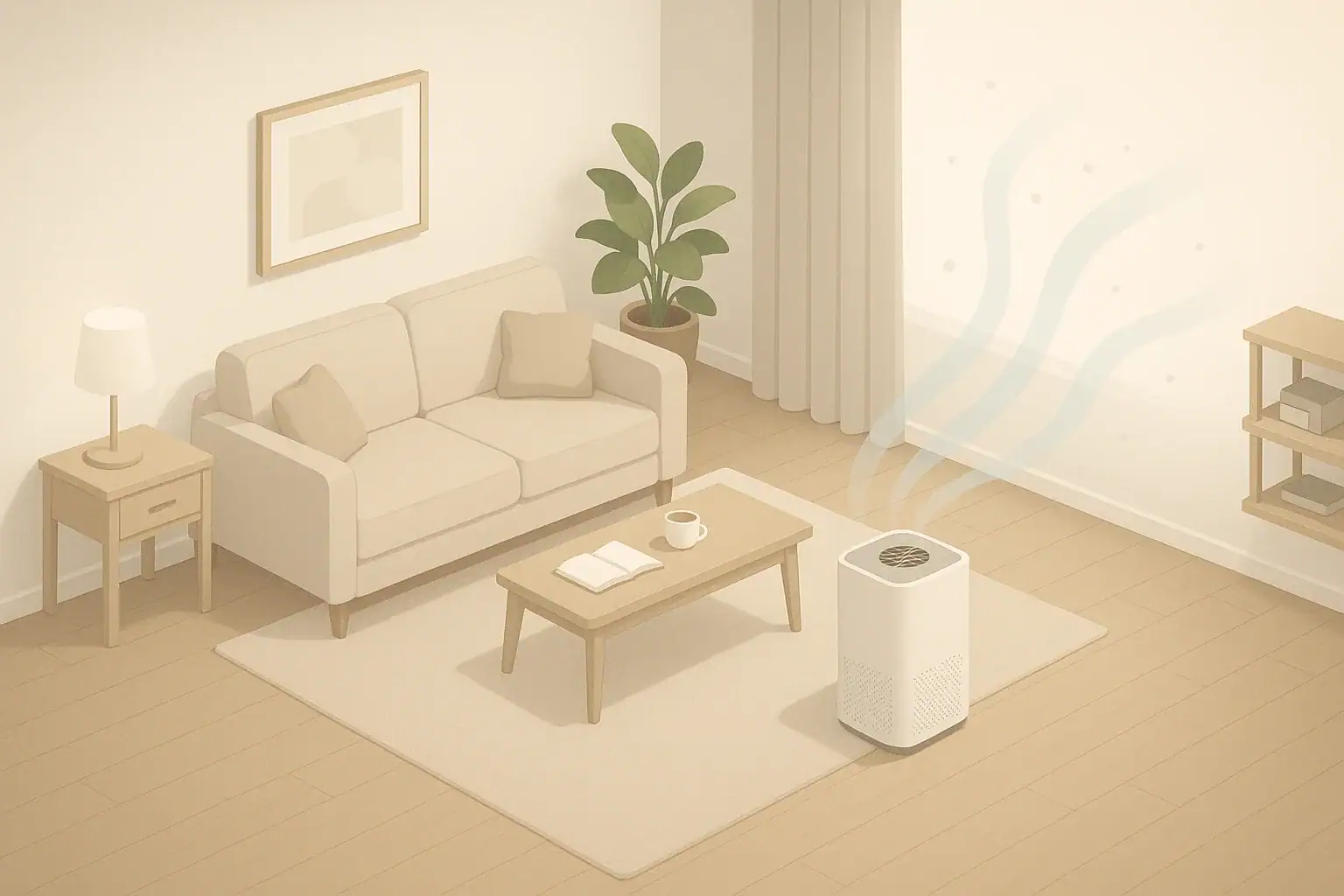
Yes, an air purifier can reduce how quickly dust builds up on furniture, but it will not stop dust from settling altogether. A properly sized unit with a good particle filter lowers the amount of airborne dust that would otherwise land on tables, shelves, and electronics, so you can usually go a bit longer between dusting sessions.
However, dust on furniture is created all the time by people, pets, fabrics, and outdoor air. An air purifier can only capture particles that pass through it while they are still floating. It cannot vacuum your couch, clean your bookshelves, or remove the dusty film that is already there. To see a real difference, you need the right purifier, the right setup, and consistent cleaning habits working together.
This guide explains how dust actually behaves, what an air purifier can realistically do for visible dust, and how to set up your room so your purifier supports cleaner-looking furniture instead of becoming an expensive fan.
What It Really Means for an Air Purifier to Reduce Dust on Furniture
When people ask whether an air purifier can reduce dust on furniture, they are usually hoping for two outcomes: less visible dust film and less frequent dusting. In indoor air quality terms, this means lowering the concentration of airborne particles that eventually settle on surfaces.
Household dust is a mix of many particle types, including:
- Fibers from clothing, bedding, carpets, and upholstery
- Skin flakes, tiny bits of hair, and pet dander
- Soil and grit tracked in from outside
- Particles from cooking, candles, and fireplaces
- Pollen and other outdoor particles that leak or blow indoors
These particles constantly cycle between air and surfaces. Fine particles float for hours before settling, while heavier debris falls quickly to the floor or nearby furniture.
In practical terms, an air purifier that reduces dust on furniture is doing two things:
- Lowering the average level of airborne dust in the room
- Slowing the rate at which new dust lands on visible surfaces
This distinction matters. You may still see dust if you run your finger over a shelf after a week, but if the purifier is well set up, that layer is usually thinner and slower to appear than it would be without filtration. The goal is “less and slower,” not “none at all.”
How Air Purifiers Actually Change Dust Levels
To understand what an air purifier can and cannot do for your furniture, it helps to look at the basic dust cycle in a room. Three processes control how dusty your home feels:
- Generation – People, pets, textiles, and outdoor air constantly add new particles.
- Transport – HVAC airflow, ceiling fans, and movement keep particles suspended and moving.
- Removal – Dusting, vacuuming, washing, ventilation, and filtration take particles out of circulation.
An air purifier only affects the removal side, and only for particles that pass through its intake. Its main tools are:
- Airflow – The volume of air pulled through the unit each minute or hour.
- Filter efficiency – How well the particle filter captures fine dust instead of letting it pass through.
For visible dust on furniture, four technical details matter most:
- Room size vs purifier capacity – Undersized units move too little air to keep up with dust generation.
- Air changes per hour (ACH) – More complete passes of room air through the filter per hour generally mean less dust settling.
- Filter type – High-efficiency particle filters capture the fine fraction of dust that stays airborne long enough to be filtered.
- Runtime and fan speed – Continuous operation at a moderate speed is usually needed for visible improvement.
It is also important to be clear about limitations:
- A purifier does not remove dust already on furniture or floors. That requires cleaning.
- Heavier grit and crumbs may never reach the purifier before settling.
- The unit does not stop dust production from people, pets, or outdoor air leaks.
When all of these pieces line up, you are likely to notice that your home feels less dusty overall and that your furniture stays visually cleaner between dusting sessions.
| Room type | Approx. floor area | Ceiling height | Suggested ACH range for dust control | Result you can reasonably expect |
|---|---|---|---|---|
| Small bedroom | 100–150 sq ft | 8 ft | 4–5 ACH | Noticeably slower dust buildup on nightstands and dressers |
| Medium living room | 200–300 sq ft | 8–9 ft | 4–6 ACH | Less visible dust on TV stands, coffee tables, and shelves |
| Open-plan area | 350–500+ sq ft | 8–10 ft | 5–8 ACH (often needs more than one unit) | Localized improvement near the purifier; whole-space control is harder |
| Home office | 100–180 sq ft | 8–9 ft | 4–6 ACH | Less dust on electronics, monitors, and desk surfaces |
Real-World Examples of Dust Reduction on Furniture
The impact of an air purifier on dust is easiest to understand through real-world scenarios. These examples assume a unit with a good particle filter, sized sensibly for the space and run most of the day.
Example 1: Small bedroom with light dust
A single person in a small bedroom with hard flooring and minimal clutter notices a visible dust film on the nightstand every 7–10 days. After adding a properly sized purifier and running it continuously on a medium setting:
- The nightstand still gathers dust, but the layer is thinner.
- Dusting every two weeks feels adequate instead of every week.
- Sunlight through the window shows fewer floating particles.
In this lower-dust setting, the purifier makes a clear difference in how often furniture looks dusty.
Example 2: Living room with pets and carpet
A family with two shedding pets and wall-to-wall carpeting sees dust returning to the TV stand within two or three days. They add a purifier rated for the room size and run it 24/7:
- The TV stand still needs weekly dusting, but the visible film is reduced.
- Pet hair on surfaces is mostly unchanged, because hair settles quickly and must be removed by cleaning.
- Allergy symptoms improve slightly due to lower airborne dander.
Here, the purifier helps, but heavy dust sources limit how far dusting intervals can realistically be stretched.
Example 3: Open-plan space with cooking and traffic
An open kitchen-living area with frequent cooking, open doors, and foot traffic has a persistent dusty feel. A single portable purifier is placed in the living room corner:
- Dust reduction is noticeable on the coffee table closest to the purifier.
- Shelves and surfaces farther away show less improvement.
- Running the kitchen exhaust fan during cooking still matters as much as filtration.
In this kind of space, a purifier is most effective as part of a broader strategy: using exhaust fans, limiting open doors on dusty days, and reducing clutter on surfaces.
Example 4: Home office with sensitive electronics
A home office with multiple monitors and electronics tends to collect fine dust quickly, especially on black surfaces. After adding a purifier:
- The visible gray film on monitors and speakers returns more slowly.
- Cleaning microfiber cloths pick up less dust per wipe.
- Keyboards and vents still need regular cleaning, but buildup is reduced.
In this case, the purifier’s main benefit is lowering fine airborne dust that would otherwise settle on sensitive equipment.
| Visible dust problem | Likely main cause | How a purifier helps | What else you should do |
|---|---|---|---|
| Dust film returns on furniture within 2–3 days | High dust generation, undersized or underused purifier | Reduces airborne dust if sized and run correctly | Increase runtime and fan speed; review room size vs capacity |
| Heavy dust on books, decor, and open shelves | Lots of surfaces and clutter trapping settled dust | Slows new settling but cannot remove existing layers | Declutter, dust with microfiber, and vacuum more thoroughly |
| Pet hair and fuzz on couches and rugs | Shedding pets and fabric surfaces | Helps with fine dander more than visible hair | Use lint rollers, upholstery tools, and pet grooming routines |
| Sticky dust in damp or musty areas | High humidity making dust cling and feel tacky | Reduces airborne dust but not the sticky residue | Control humidity, clean with damp cloths, and dry the area well |
Common Mistakes and How to Troubleshoot Poor Dust Reduction
Many people plug in an air purifier, see little change on their furniture, and assume the device does not work. Often the problem is the setup, not the concept. These are common pitfalls and how to correct them.
Mistake 1: Undersizing the purifier for the room
Symptom: Surfaces look just as dusty as before, even after weeks of use.
Likely issue: The purifier’s airflow is too low for the room volume, so it cannot turn the air over often enough.
Fix:
- Confirm your room’s approximate square footage and ceiling height.
- Compare that to the unit’s stated coverage or airflow and target several air changes per hour.
- Consider moving the unit to a smaller, more enclosed space if upgrading is not an option.
Mistake 2: Running only on the lowest fan speed
Symptom: The purifier is very quiet but dust reduction is minimal.
Likely issue: Low speed moves too little air to capture enough dust.
Fix:
- Use medium or higher speed when you are out of the room.
- At night, use the lowest acceptable speed that still provides reasonable airflow.
- Expect some noise trade-off if you want faster dust removal.
Mistake 3: Poor placement and blocked airflow
Symptom: Dust seems reduced only in a very small area, or not at all.
Likely issue: The intake or outlet is blocked by furniture, curtains, or walls, limiting how much room air actually circulates through the filter.
Fix:
- Place the purifier where air can flow freely around it, not in a tight corner.
- Keep a clear zone around the intake and outlet so air is not immediately recirculated into a wall or piece of furniture.
- Avoid placing it directly under shelves where falling dust can clog the intake quickly.
Mistake 4: Neglecting filter maintenance
Symptom: The purifier seems weaker over time, and dust levels slowly increase again.
Likely issue: Clogged pre-filters and main filters restrict airflow, so less air passes through the unit.
Fix:
- Check pre-filters regularly for lint and hair buildup.
- Follow the recommended replacement intervals for main filters, adjusting for dusty homes or shedding pets.
- Do not wash filters that are not designed to be washed; this can damage them and reduce efficiency.
Mistake 5: Expecting the purifier to replace cleaning
Symptom: Surfaces are still visibly dusty even though the purifier runs continuously.
Likely issue: Existing dust on furniture and floors has not been removed, so the room starts from a dusty baseline.
Fix:
- Do a thorough cleaning before judging the purifier’s impact: dust, vacuum, and mop where appropriate.
- Use microfiber or slightly damp cloths to capture dust instead of just moving it around.
- Then run the purifier continuously and see how quickly dust returns compared to before.
Safety Basics When Using an Air Purifier for Dust Control
Most mechanical air purifiers are straightforward to use, but there are still safety and health considerations when you run a unit for long periods to control dust on furniture.
Electrical and placement safety
- Plug the purifier directly into a wall outlet rather than an overloaded power strip.
- Keep cords out of walking paths to avoid tripping and accidental tipping.
- Place the unit on a stable, level surface where it cannot easily be knocked over.
- Maintain clear space around the intake and outlet to prevent overheating and ensure proper airflow.
Filter handling and dust exposure
- When changing filters, handle them gently to avoid shaking loose accumulated dust.
- Consider wearing a simple dust mask if you are sensitive to particles while replacing filters.
- Place used filters directly into a trash bag, seal the bag, and remove it from the living space.
Ozone and additional technologies
- For dust reduction, mechanical filtration is usually sufficient; extra features that generate ozone are not necessary and may be undesirable.
- If your unit has optional ionizing or similar modes, follow manufacturer guidance and disable any feature that is not needed for particle removal.
Noise, comfort, and sleep
- Higher fan speeds can be loud; if noise disturbs sleep, use a slightly lower setting overnight and higher speeds during the day.
- Ensure that airflow is not blowing directly at your face or creating uncomfortable drafts in seating or sleeping areas.
Long-Term Use, Maintenance, and Dust Management Habits
To keep dust on furniture under control over months and years, you need both consistent purifier use and basic housekeeping habits that support it.
Filter and unit maintenance
- Pre-filters: Check every few weeks and clean or replace as recommended to capture hair and lint before they reach the main filter.
- Main particle filters: Replace on schedule, or sooner if you notice reduced airflow or a persistent dusty smell from the unit.
- Exterior cleaning: Wipe the purifier’s housing and intake grilles with a dry or slightly damp cloth to prevent dust from forming a crust that restricts air.
Room habits that support dust reduction
- Use entry mats and consider a no-shoes policy to reduce tracked-in grit and soil.
- Vacuum carpets and rugs regularly with a machine that has effective filtration.
- Wash bedding, throws, and frequently used blankets on a regular schedule to limit fiber and skin-flake buildup.
- Control indoor humidity to a comfortable mid-range so dust does not become excessively sticky or statically charged.
Seasonal and storage considerations
- If you pause purifier use for a season, store it in a dry, clean area so dust and moisture do not damage the filters.
- Before restarting after storage, inspect filters for discoloration, odor, or visible damage and replace if needed.
- Re-check room layout after furniture moves or renovations to ensure the purifier still has good access to room air.
Practical Takeaways and Specs to Look For
Putting everything together, an air purifier is a useful tool for reducing dust on furniture, as long as you treat it as part of an overall dust-management plan rather than a replacement for cleaning.
- You can reasonably expect slower dust buildup and a less dusty feel in the air, not perfectly dust-free surfaces.
- Results depend heavily on room size, purifier capacity, filter quality, and runtime.
- Regular dusting, vacuuming, and humidity control are still required to keep furniture looking clean.
When you are choosing or evaluating a purifier specifically to help with dust on furniture, use this simple checklist.
- Room coverage: Rated for at least the size of your room; larger or open-plan spaces may need more than one unit.
- Air changes per hour: Capable of several air changes per hour in the target space for meaningful dust reduction.
- Particle filter type: High-efficiency filter designed to capture fine particles, not just large lint.
- Pre-filter: A washable or replaceable pre-filter to catch hair and larger dust, protecting the main filter.
- Sealed airflow path: Air is forced through the filter rather than leaking around it.
- Fan settings: Multiple speeds so you can balance noise and performance, with a setting strong enough for daytime cleaning.
- Filter access: Easy-to-open housing and clear filter replacement guidance to encourage proper maintenance.
- Energy use: Reasonable power draw for continuous or near-continuous operation.
If you start with a clean room, run a well-sized purifier consistently, and keep up with filter maintenance, you should see that dust takes longer to settle on your furniture and is easier to manage over time.
Frequently asked questions
Which specifications and features matter most when choosing an air purifier to reduce dust on furniture?
Look for a unit sized for your room that provides several air changes per hour, a high-efficiency particle filter to capture fine dust, a washable or replaceable pre-filter for hair and lint, and multiple fan speeds so you can balance noise and performance. A sealed airflow path and clear filter access also help the unit perform consistently over time.
Why isn’t my air purifier noticeably reducing dust on my furniture?
Common causes are an undersized unit, low fan speed, poor placement that blocks airflow, or clogged filters that reduce intake. Check room coverage and ACH, move the purifier to a more open location, increase runtime or fan speed, and inspect filters for maintenance needs.
Is it safe to run an air purifier continuously to control dust?
Most mechanical air purifiers are designed for continuous operation and are safe when used according to the manufacturer’s instructions; plug them into a suitable outlet and keep vents clear. Avoid technologies that intentionally generate ozone and follow guidance for filter handling and placement to minimize dust exposure when servicing.
How should I place an air purifier relative to furniture for the best dust reduction?
Place the purifier where it can draw air from across the room rather than tucked into a corner, and keep several feet of clear space around intakes and outlets so air isn’t immediately recirculated. For targeted improvement, position it near the most dust-sensitive furniture but not directly under shelves or inside enclosed cupboards.
Will an air purifier remove pet hair and visible fibers from sofas and carpets?
An air purifier helps reduce fine airborne dander and microscopic fibers, but larger pet hair and visible fibers usually settle rapidly and must be removed by vacuuming, lint rollers, or upholstery tools. Combining regular grooming, cleaning, and filtration gives the best results.
How often should I clean or replace filters to maintain dust reduction?
Check pre-filters every few weeks and clean or replace them as recommended; replace main particle filters on the schedule provided by the manufacturer or sooner in homes with pets or heavy dust. Clogged filters reduce airflow and performance, so timely maintenance is important for sustained dust control.
- Clear sizing logic (room size → CADR/ACH)
- HEPA vs carbon explained for real use-cases
- Humidity + ventilation basics to reduce mold risk