
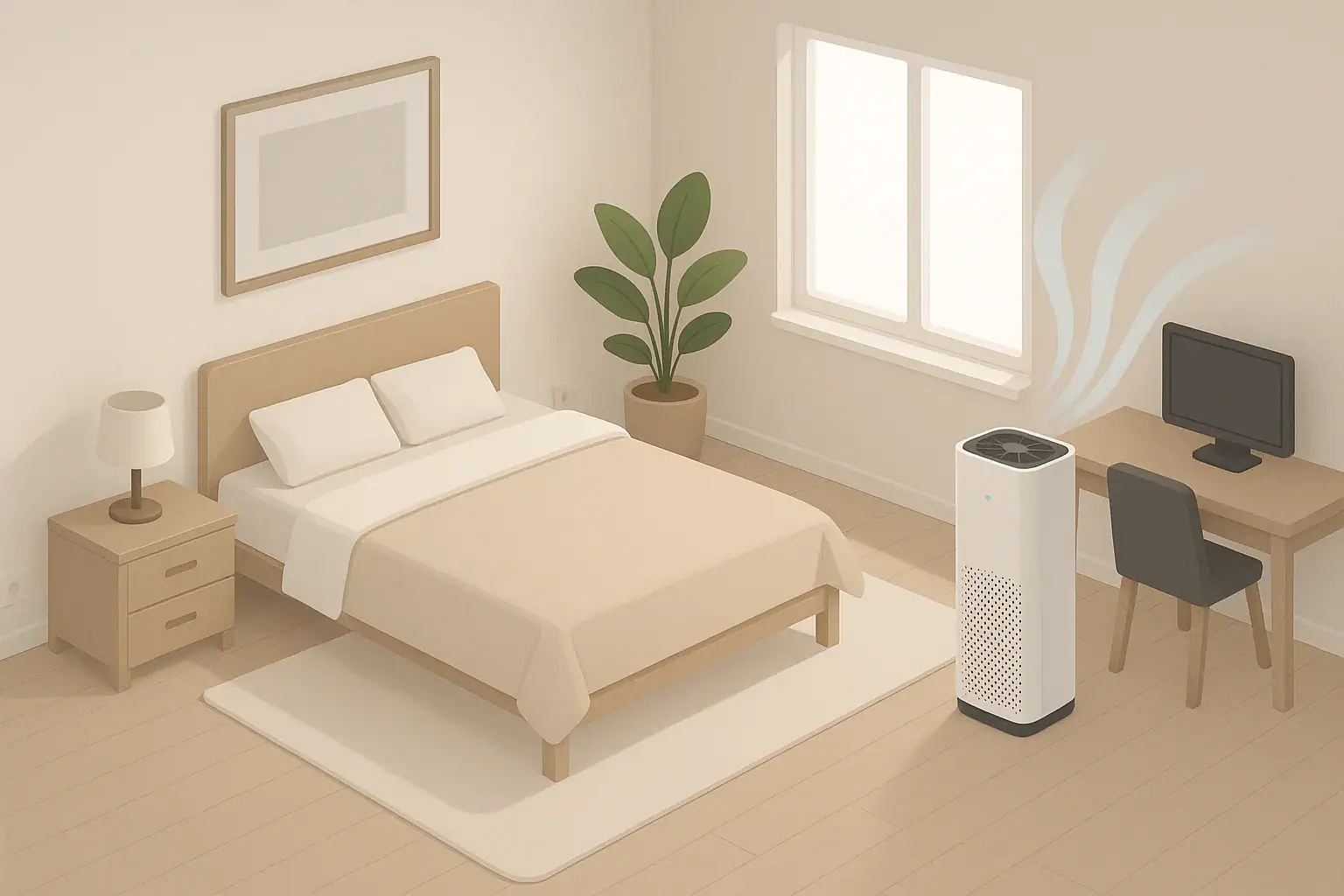
Why Air Purifier Run Time Matters
How long you run an air purifier each day affects how clean your indoor air stays, how much noise you hear, and how much electricity you use. There is no single perfect schedule for every home, but there are clear principles you can use to build a routine that fits your rooms and your lifestyle.
Most modern air purifiers are designed to run for many hours at a time. Many households find a balance between:
- Continuous operation at a lower fan speed in key rooms
- Targeted use during higher pollution times, such as cooking or high pollen days
- Nighttime operation in bedrooms on a quiet setting
Before deciding on how many hours per day, it helps to understand how air purifiers clean the air over time.
How Air Purifiers Work Over Time: CADR and ACH Basics
Air purifiers clean the air by moving room air through a filter repeatedly. The key concepts are:
- CADR (Clean Air Delivery Rate): an approximate measure of how much filtered air a purifier can deliver per minute.
- ACH (Air Changes per Hour): how many times per hour the purifier can theoretically filter the full volume of air in a room.
In simple terms, the higher the CADR relative to your room size, the more quickly your purifier can reduce particle levels. ACH is a helpful way to think about this:
- In a well-sized system, you might aim for several air changes per hour in a frequently used room.
- In a borderline-sized system, you may need to run the purifier longer or at a higher fan speed to get similar results.
Because indoor pollution sources (like dust, cooking particles, and outdoor air leaking in) are ongoing, air cleaning is not a one-time event. The purifier needs to stay on long enough, and often enough, to keep up with new particles entering the room.
That is why many people choose to run their air purifiers for most of the day in occupied spaces, then adjust fan speeds to manage noise and energy use.
| Task | Why it matters | Notes |
|---|---|---|
| Estimate room size | Matches purifier capacity to space | Measure length × width; consider ceiling height |
| Identify main pollution sources | Helps choose when to run the purifier | Cooking, pets, smoke, nearby traffic, pollen season |
| Decide primary rooms to treat | Focuses run time where you spend the most time | Often bedrooms and main living areas |
| Set daytime fan speed | Balances cleaning strength and noise | Medium or auto mode is common in living spaces |
| Set nighttime fan speed | Supports cleaner air while sleeping | Use lower or sleep mode to reduce sound |
| Plan filter checks | Clogged filters reduce performance | Mark calendar every few months to inspect |
| Review energy use | Keeps costs predictable | Check wattage and estimated hours per day |
Example values for illustration.
Should You Run an Air Purifier 24/7?
Running an air purifier 24/7 is common and generally considered acceptable for most devices that are designed for continuous use. Many manufacturers expect users to keep them running for long periods. However, running all day is not always necessary in every situation.
Factors that support 24/7 use include:
- Constant particle sources, such as traffic pollution near busy roads, nearby wildfires or seasonal smoke, or frequent cooking.
- Shared walls or vents in apartments, where odors and particles can travel between units.
- Households with pets, which often have ongoing dander and hair in the air.
Reasons you might choose not to run the purifier 24/7 include:
- Trying to limit electricity use and costs.
- Noise sensitivity, especially in very quiet homes.
- Living in an area with consistently good outdoor air and low indoor sources.
If you decide not to run your purifier continuously, focus your run time on the hours you are home and in the room, with extra attention to cooking times and overnight in bedrooms.
Typical Daily Schedules by Room Type
You can use the following examples as starting points and then adjust based on your experience and, if available, readings from a simple particle monitor.
Bedroom Schedule
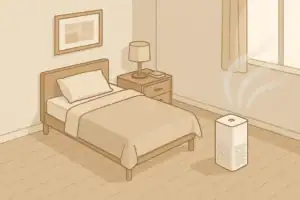
For many people, the bedroom is the top priority because you spend several hours there every night.
- Evening pre-clean: Run the purifier on medium or higher for 1–2 hours before bedtime with the door mostly closed to reduce particle levels.
- Overnight: Run on low or a sleep mode for 7–9 hours while you sleep to maintain cleaner air with less noise.
- Daytime: If the door stays closed and the room is not used much, some people turn it down or off. If the door is open and the room is part of the main living space, keeping it on low helps maintain air quality.
This approach often results in 8–12 hours of run time per day in a bedroom.
Living Room or Open-Plan Area Schedule
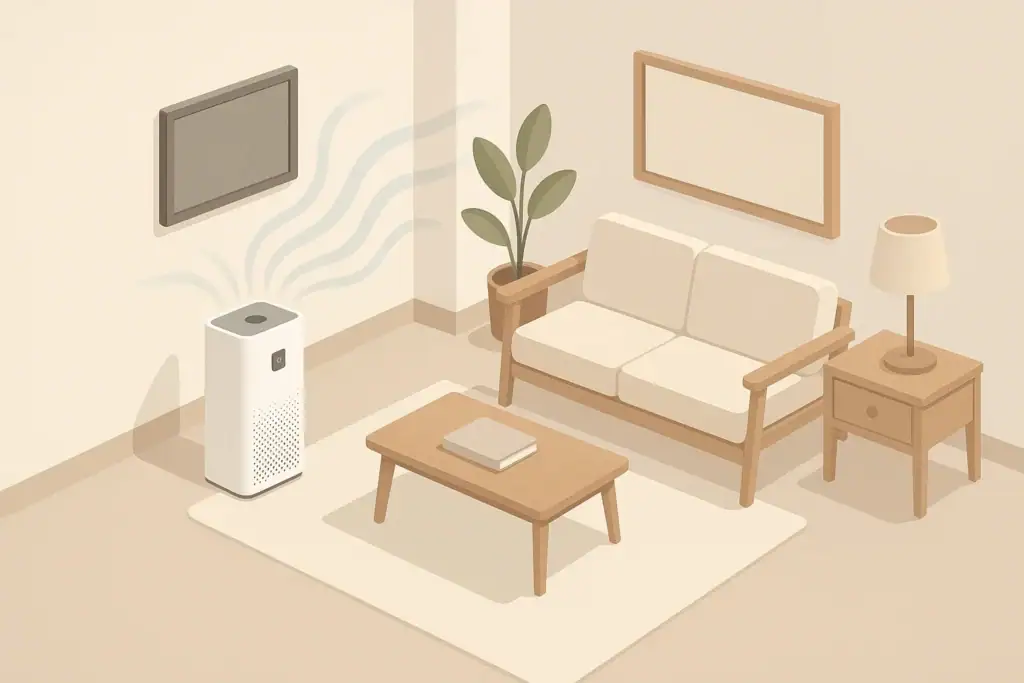
Living rooms, family rooms, and open-plan spaces tend to have more foot traffic and more varied sources of indoor air pollution.
- Daytime (occupied hours): Run on low to medium whenever people are home and using the space. This often means 6–12 hours per day.
- Cooking periods: If the purifier is in or near the kitchen, increase to medium or high 30–60 minutes before, during, and after cooking to help reduce cooking-related particles and odors.
- Unoccupied times: If the home is empty for a large part of the day, you can lower the fan speed or turn the unit off to reduce energy use, especially if the room can be aired out with ventilation when you return.
In many homes, the living area purifier may run 8–16 hours per day depending on occupancy.
Home Office Schedule
For a home office used during the workday:
- Work hours: Run on low to medium during the hours you are in the room.
- Short boost: Use a higher fan speed for 20–30 minutes if you notice visible dust or if the room has been closed up for a while.
- Off hours: You can usually reduce to low or turn off when the room is not in use, unless it shares air heavily with the rest of the home.
This often equals 6–9 hours per weekday, with more flexible use on weekends.
Special Cases: Smoke, Construction, or Dusty Activities
Some situations temporarily increase the need for air cleaning:
- Wildfire smoke days or nearby outdoor burning: Many households run purifiers 24/7 during smoke events, with higher speeds during the day and lower at night.
- Indoor projects that create dust (sanding, DIY work): Run the purifier on higher settings during and for several hours after activities.
- Household cleaning: Run the purifier on medium or high during vacuuming or dusting and for at least an hour afterwards.
In these cases, it is often better to increase both the fan speed and total daily hours until conditions return to normal.
Balancing Clean Air with Noise and Energy Use
Finding the right daily run time is about balancing comfort, noise, and energy. A practical way to think about it is:
- Use lower speeds for long periods to maintain cleaner air.
- Use higher speeds for short periods when you know air quality is worse.
Noise Considerations
Higher fan speeds move more air but produce more sound. To manage this:
- Use medium or high when you are not sleeping or when you are away from home.
- Switch to low or sleep mode at night, especially in bedrooms.
- Place the purifier a few feet from your bed or seating area, not right next to your head, to reduce perceived noise while still cleaning the air.
Energy Use Considerations
The electricity cost depends on the purifier’s wattage and how long you run it. A rough planning approach is:
- Check the power rating on the device (for example, a moderate-sized unit might use tens of watts on low and more on high).
- Estimate your daily hours on each speed setting.
- Multiply by your local electricity rate for an approximate monthly cost.
Often, running a purifier on a lower setting for many hours uses similar or less energy than short bursts on maximum, and it may keep the air more consistently clean.
How Room Size and Placement Affect Run Time
The larger the room and the more obstructed the airflow, the more time your purifier needs to cycle the air effectively.
Room Size and ACH
In a small bedroom with a purifier that is well-matched to the space, the air may reach a lower particle level relatively quickly. In a large open-plan living area, the same purifier will have a lower effective ACH, meaning it needs to run longer or at a higher speed to have the same effect.
Practical implications:
- In a small room, you can often use lower fan speeds and still get several air changes per hour.
- In a large room or open plan, you may need medium or high for longer periods, or consider multiple purifiers distributed throughout the space.
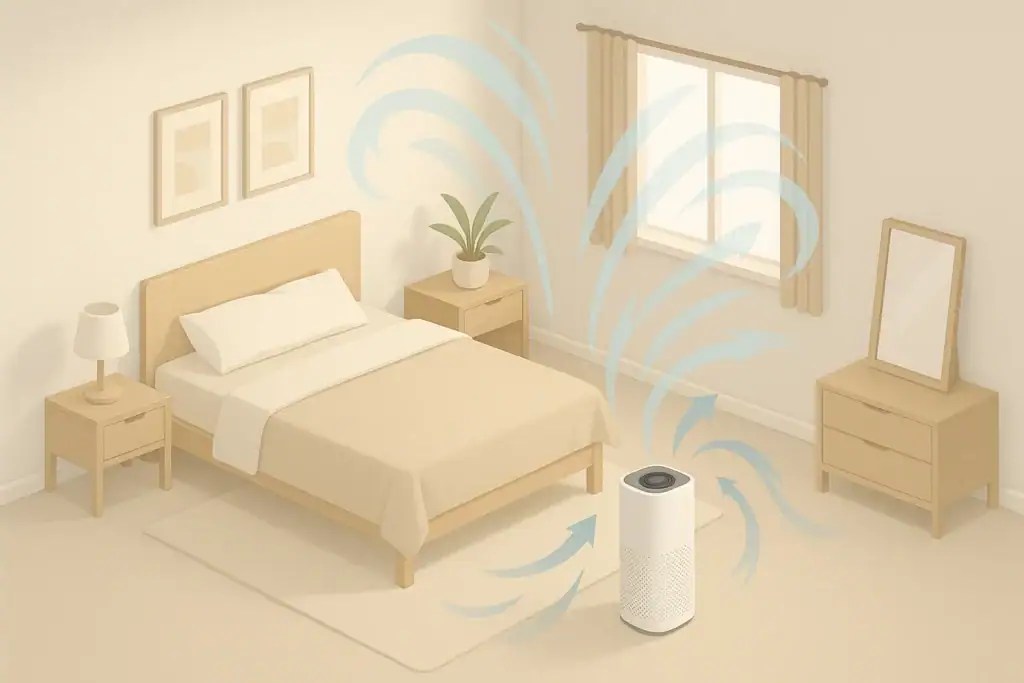
Placement and Airflow
Placement affects how efficiently the purifier can clean the room within a given number of hours per day.
- Avoid corners and tight spaces that block airflow into or out of the purifier.
- Keep a small clearance (for example, several inches) around air intake and outlet areas.
- Do not point the outlet directly at walls from very close range; give the air space to circulate.
- Leave interior doors partly open if you want some air cleaning effect beyond the room where the purifier sits, keeping in mind that this may dilute its effect on that one room.
Good placement means the purifier can do more with each hour it runs, so you may not need to operate it at the highest fan speed all the time.
Using Auto Modes, Timers, and Monitors
Many modern air purifiers include features to help automate run time. When used thoughtfully, these can reduce guesswork.
Auto or Smart Modes
Auto modes rely on built-in sensors that adjust fan speed based on detected particles or, in some cases, gases or odors. In a typical scenario:
- The purifier runs on low when the sensor detects relatively clean air.
- It boosts to medium or high when it detects increased particles from cooking, opening windows, or other activities.
Auto modes can be helpful for:
- Reducing noise during calm periods.
- Increasing air cleaning during short pollution spikes.
However, built-in sensors can vary in sensitivity, and they often measure only in one spot. If you prefer a consistently low baseline of particles, you may still choose a constant low or medium setting instead of relying only on auto.
Timers and Schedules
Timers let you control how long the purifier runs without having to remember to turn it on or off.
- Simple timers might turn the purifier off after a set time (for example, 2–8 hours).
- Advanced schedules (via onboard controls or smart plugs) can turn the purifier on before you wake up, off when you leave, and on again before you return.
Example timer-based pattern:
- On low from 1 hour before you wake until you leave for work.
- Off or very low during the time the home is empty.
- On medium for 1–2 hours before you return home, then low through the evening.
Independent Air Quality Monitors
A simple particulate monitor that reports general particle levels (often called PM2.5) can help you fine-tune how long you should run your air purifier each day.
- If readings stay elevated for long periods with your current schedule, consider longer run time or higher speeds.
- If readings stay low even when the purifier is off for a while, you may be able to reduce daily hours without much change in air quality.
Monitors have their own limitations, but they can give a useful directional sense of how your schedule is working.
Filter Wear and Maintenance vs. Run Time
The more hours you run your purifier and the dirtier your air, the faster filters load with particles or odors. When planning daily run time, remember that filter life is usually based on typical usage, which might assume continuous or near-continuous operation in an average environment.
HEPA and Particle Filters
The main particle filter (often described as HEPA or a similar high-efficiency filter) captures fine particles such as dust, pollen, and smoke. Over time, it loads up with particles and becomes harder for air to pass through.
- Running the purifier more hours per day may shorten the replacement interval, especially during dusty or smoky periods.
- If the filter becomes very clogged, the purifier’s airflow and effective ACH can drop, meaning you might need longer run times to get the same result.
Checking filters periodically (according to the manual) helps you avoid running a purifier for many hours with reduced effectiveness.
Activated Carbon and Odor Filters
Carbon filters and other gas or odor stages do not usually “fill up” in the same visible way as dust filters. Instead, they gradually lose the ability to adsorb additional gases and odors.
- Heavy use in spaces with smoke, cooking fumes, or strong odors can age these filters faster.
- If you notice lingering odors even with long run times, it may be a sign the carbon or odor filter is nearing the end of its useful life.
Planning for replacement at reasonable intervals keeps your daily run time effective instead of just circulating air through worn-out media.
| Filter type | Typical interval range (example) | What changes it | Reminder |
|---|---|---|---|
| Pre-filter (mesh or foam) | Every 2–8 weeks (cleaning) | Pet hair, visible dust, cooking grease | Rinse or vacuum regularly to protect main filter |
| HEPA or main particle filter | Every 6–18 months | Daily run hours, smoke exposure, dust levels | Check for reduced airflow or visible dark loading |
| Activated carbon / gas filter | Every 6–12 months | Cooking odors, smoke, chemical smells | Replace if odors linger despite long run times |
| Combination filter cartridges | As specified for heaviest-used layer | Overall pollution level and daily hours | Follow manual; note replacement date on a label |
| Optional specialty filters | Varies by type | Specific pollutants targeted | Check manufacturer guidance carefully |
| Gaskets and seals | Inspect annually | Frequent filter changes, unit movement | Ensure tight fit to prevent air bypass |
Example values for illustration.
Putting It All Together: Building Your Own Daily Schedule
To decide how long you should run an air purifier each day, start with a simple framework and then adjust based on what you observe.
Step-by-Step Planning
- Choose priority rooms. Bedrooms and main living areas are usually first.
- Start with generous run time. For example, 24/7 at low, or 12–16 hours per day with higher use when you are home.
- Adjust for comfort. Lower speeds at night, higher when noise is less of a concern.
- Watch for patterns. Notice when dust, odors, or visible haze are more common and increase run time around those events.
- Revisit seasonally. Pollen season, wildfire season, or changes in heating and cooling can all affect how much you benefit from more hours per day.
Rule-of-Thumb Starting Points
While every home is different, many households find success with these approximate patterns:
- Bedrooms: 8–12 hours daily, mostly overnight.
- Main living areas: 8–16 hours daily, focused on occupied times and cooking.
- High-pollution days (smoke or heavy outdoor pollution): up to 24/7 in key rooms, with higher speeds when you are away or during the day.
Over time, you can refine these schedules using your own observations, any monitoring tools you have, and your tolerance for noise and energy use.
The goal is not to run the purifier as much as possible, but to run it enough and in the right way to maintain consistently cleaner indoor air where you spend the most time.
Frequently asked questions
How many hours a day should I run an air purifier to reduce allergens?
For allergens in bedrooms, aim for about 8–12 hours per day with most of that overnight; in main living areas, 8–16 hours focused on occupied times is common. The exact hours depend on the purifier’s CADR relative to room size and how many air changes per hour you need to keep particle levels low. Use a particle monitor to confirm if your chosen schedule keeps PM2.5 or airborne particle readings consistently low.
Is it safe and effective to run an air purifier 24/7?
Most household air purifiers are designed for continuous operation and can be run 24/7 when needed, especially during smoke events or in homes with pets. Continuous low-speed operation often provides a steady baseline of cleaner air while balancing noise and energy use; however, higher speeds can be used temporarily for spikes in pollution. Consider filter replacement intervals, since continuous use will accelerate filter loading.
Does running my air purifier more shorten filter life?
Yes — more hours of operation and higher fan speeds will generally fill particle filters faster and can reduce the effective life of carbon or odor media under heavy use. Regularly cleaning pre-filters and inspecting main filters helps maintain airflow and performance, and you should follow the manufacturer’s guidelines for replacement intervals based on your usage and local pollution levels.
Can I rely on auto mode to decide how long the purifier should run each day?
Auto modes are useful for responding to short-term spikes because they boost fan speed when onboard sensors detect higher particles, which reduces the need for manual control. However, built-in sensors may read only the local air near the device and vary in sensitivity, so auto mode may not maintain the lowest baseline everywhere in a room. If you need a consistent low particle level, combine auto mode with a baseline low setting or use an independent monitor to verify performance.
How can I lower energy costs while keeping indoor air reasonably clean?
Run the purifier at a lower speed for longer periods rather than frequent short bursts at maximum, use timers or smart schedules to match occupied times, and prioritize treating the rooms you use most. Checking wattage and estimating daily hours by setting lets you approximate monthly costs, and targeting purifier use (for example, overnight in bedrooms and during cooking) can reduce overall energy use while maintaining effective air cleaning.
Recommended next:
- Best Air Purifiers for Allergies: What to Look For (CADR, HEPA, Carbon)
- How to Choose the Right Air Purifier for Your Room Size
- Air Purifier Placement: Where to Put It for Best Results
- Do Air Purifiers Help With Smoke and Odors?
- Air Purifier Noise: What dB Levels Are Quiet Enough for Sleep?
- Best Air Purifiers for Pets: Dander, Odors, and Filter Costs
- More in Air Purifiers →
- Clear sizing logic (room size → CADR/ACH)
- HEPA vs carbon explained for real use-cases
- Humidity + ventilation basics to reduce mold risk


About this site
Home Air Quality Lab publishes practical, independent guides about indoor air quality—clear sizing, safer use, and real-world expectations.
Affiliate disclosure
Some links on this site may be affiliate links. If you buy through these links, we may earn a small commission at no extra cost to you. This helps support our content. Learn more.