
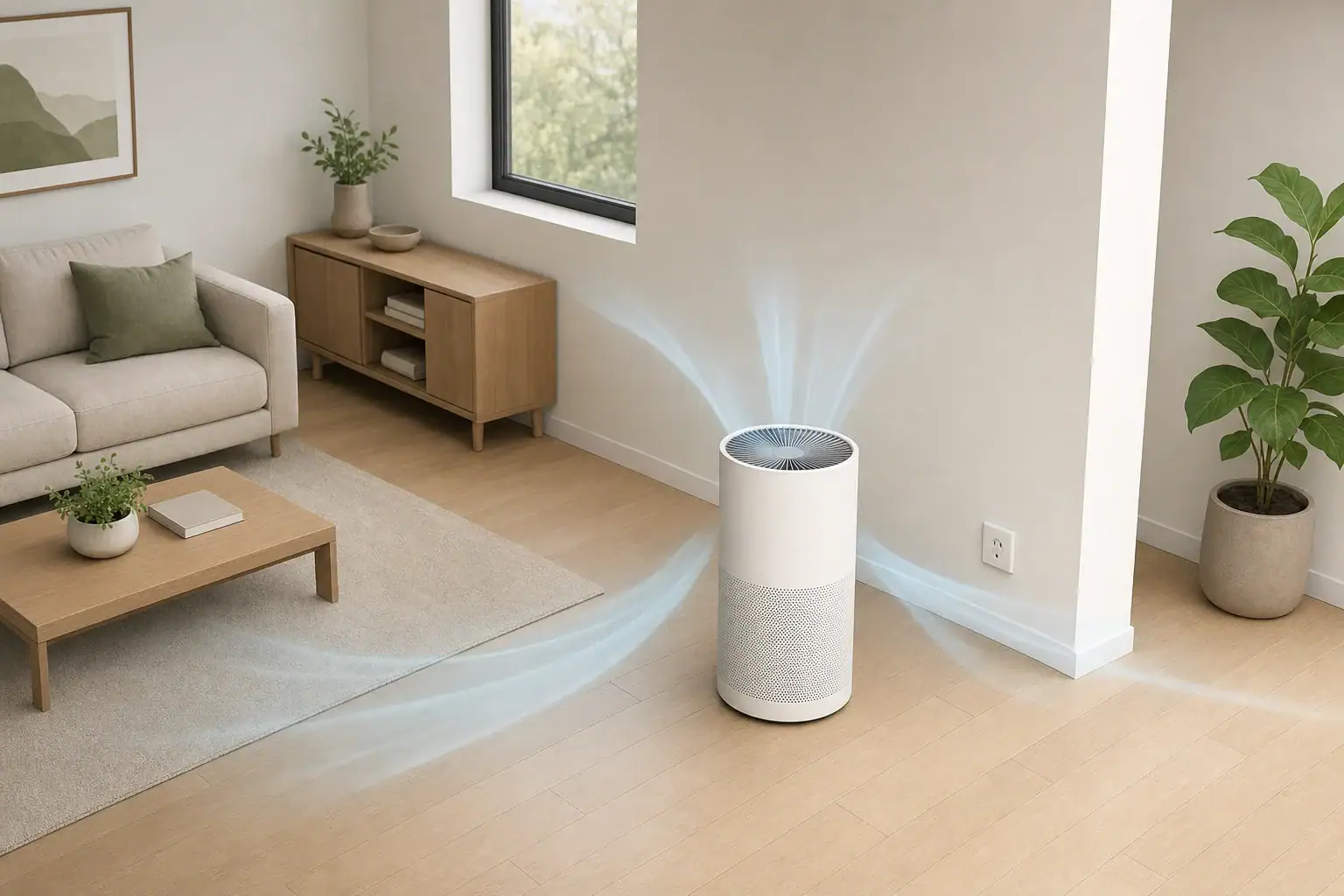
An air purifier that keeps turning off is usually responding to a timer or automatic mode, a blocked sensor or filter, overheating protection, or an unstable power connection. Start by checking the display and settings, then inspect airflow, filters, the power cord, and the outlet. Stop using the unit if it smells hot, shows damage, or repeatedly trips a breaker.
- Cancel active timers; common selectable periods include 1, 2, 4, 8, or 12 hours, although controls vary.
- Switch from automatic or sleep mode to a fixed fan speed for 15–30 minutes to see whether operation stabilizes.
- Inspect the filter, intake, and outlet grilles, and leave the clearance specified in the manual; several inches is commonly needed.
- Plug the purifier directly into a suitable wall outlet for testing rather than a power strip or extension cord.
- If the housing or plug becomes unusually hot, unplug the purifier and allow it to cool for at least 30–60 minutes before following the manual’s next steps.
What Repeated Shutoffs Usually Mean
Not every apparent shutoff indicates a fault. Many air purifiers intentionally reduce or stop their fans when a timer ends, an air-quality sensor reports lower particle levels, or sleep mode minimizes sound and light. The control panel may remain illuminated even when the fan is not moving.
A complete loss of lights and fan operation points more strongly toward the outlet, plug, cord, internal power supply, or thermal protection. If the unit restarts after cooling, restricted airflow or excessive heat may be involved. If it turns off at the same elapsed time during every use, a timer is a more likely explanation.
Observe exactly what stops. Note whether the display remains on, whether an indicator changes, how long the purifier runs, and whether it restarts by itself. These details help separate normal control behavior from a power or safety issue.
Check the Timer, Automatic Mode, and Sensors
Timer and schedule settings
A countdown timer turns the purifier off after a selected period. Some models also retain a timer after a brief power interruption, while others clear all settings. Review the timer indicator and cancel any schedule through the normal controls described in the manual.
Smart plugs, switched outlets, wall switches, and home automation schedules can also interrupt power. Temporarily remove those controls from the test and connect the purifier directly to an appropriate wall outlet.
Automatic and sleep modes
Automatic mode adjusts fan speed according to a built-in sensor. A purifier may become nearly silent or stop its fan when the measured particle level falls below its programmed threshold. Sleep or eco modes may behave similarly to reduce noise or energy use.
Select a fixed medium fan speed for 15–30 minutes. If the purifier runs continuously, the original behavior was likely related to its operating mode rather than an electrical interruption.
Sensor condition
Dust on a sensor opening can cause slow or inconsistent responses. With the purifier unplugged, clean only the accessible sensor opening according to the manual. Do not insert liquids, metal tools, or compressed air unless the instructions specifically permit them.
| Observed pattern | Likely area to check | Practical test |
|---|---|---|
| Stops after the same number of hours | Timer or schedule | Cancel the timer and test on a fixed speed |
| Fan stops but lights remain on | Automatic, sleep, or eco mode | Select a fixed medium setting |
| Speed changes after cooking or cleaning | Normal sensor response | Observe operation as room conditions settle |
| Stops sooner on high speed | Airflow restriction or heat | Inspect filters, grilles, and clearance |
| All lights go out when the cord moves | Cord, plug, or outlet | Unplug the unit and stop using it pending inspection |
| Other devices lose power too | Outlet or household circuit | Check the breaker and use a known working outlet |
| Restarts only after cooling | Thermal protection | Correct airflow problems and follow the manual |
Inspect for Overheating and Restricted Airflow
Air purifiers move room air across filters with an electric fan. When filters are heavily loaded or grilles are blocked, the fan may work harder and internal temperatures can rise. Some units shut down automatically to protect their components.
Unplug the purifier before inspecting it. Confirm that the filter is installed in the correct direction, all protective packaging has been removed, and the filter compartment closes fully. Look for dense dust on the pre-filter and visible obstructions at the intake and clean-air outlet.
Placement matters as well. Curtains, bedding, furniture, and walls can restrict airflow. Follow the manufacturer’s clearance instructions; where no number is visible on the unit, consult the manual rather than placing the intake tightly against a surface. Avoid enclosed cabinets and areas beside radiators, heating vents, or strong direct sunlight.
A mildly warm housing can be normal, but a hot plug, softened plastic, burning odor, smoke, sparking, or discoloration is not a routine maintenance issue. Disconnect power without touching damaged areas and do not operate the purifier again until it has been properly evaluated.
Test the Outlet, Cord, Plug, and Power Supply
Begin with the simplest power check: confirm that the plug is fully seated. Test the outlet with a small, known-working device, provided it is appropriate for that outlet. If the outlet is controlled by a wall switch, make sure the switch remains on.
For troubleshooting, connect the purifier directly to a properly grounded wall outlet that matches its electrical requirements. Power strips, extension cords, adapters, and smart plugs add connections that can loosen, overheat, or switch off. Use them only if the purifier’s instructions explicitly allow them and their electrical ratings are suitable.
Inspect the visible cord and plug while the unit is disconnected. Stop if you find cuts, crushed areas, bent blades, looseness, scorch marks, or melting. Do not tape a damaged cord, replace a plug yourself, or open the purifier’s housing.
If a circuit breaker or ground-fault outlet trips repeatedly, unplug the purifier. Resetting a protective device over and over does not address the cause. An electrician can assess a problematic household circuit, while qualified appliance service can evaluate the purifier.
Use a Step-by-Step Troubleshooting Checklist
Changing one condition at a time makes the cause easier to identify. Use the following sequence and stop whenever a safety concern appears:
- Record the pattern. Note the selected mode, fan speed, indicators, and approximate runtime before shutdown.
- Cancel programmed controls. Disable the timer, schedule, automatic mode, sleep mode, and external smart-plug schedule.
- Unplug the purifier. Wait about 5–10 minutes, or use the reset period specified in the manual.
- Check airflow. Inspect the filter orientation, filter wrapping, pre-filter, intake grille, outlet grille, and surrounding clearance.
- Clean approved areas. Use the methods in the manual, keeping liquids away from the motor, electronics, and non-washable filters.
- Test direct power. Use a known-working, suitable wall outlet without an intermediary device.
- Run a controlled test. Select a fixed medium speed and observe the purifier for 15–30 minutes while remaining nearby.
If the purifier runs normally, restore one setting at a time. This can reveal whether a timer, automatic mode, external control, or high-speed heat buildup is associated with the shutdown.
Match Common Shutoff Patterns to Likely Causes
It turns off overnight
An overnight shutdown often results from a timer, sleep setting, switched outlet, or automation schedule. Check whether the purifier is truly off or simply running too quietly to hear. A small strip of tissue should not be placed on or inside the grille; instead, feel for airflow at a safe distance without blocking the outlet.
It turns off after a filter change
Confirm that the replacement filter is compatible in size, seated correctly, and unwrapped. A cover that is not fully latched may activate an interlock. Some filter indicators also require a normal control-panel reset, but an indicator alone does not usually prove that the filter is clogged.
It stops on high speed but not low speed
High speed produces more airflow, noise, power draw, and internal heat. A dirty filter, blocked grille, inadequate clearance, unstable connection, or developing motor problem may become more noticeable at that setting. Do not continue repeated high-speed tests if the housing, cord, or plug becomes unusually warm.
It shuts off when another appliance starts
Large appliances can expose a heavily loaded or unstable circuit. Move the purifier only to another suitable outlet and circuit if this can be done without extension cords or unsafe routing. Repeated dimming, breaker trips, buzzing, or warm outlets should be assessed by a qualified electrician.
Maintain the Purifier and Follow Electrical Safety Basics
Routine maintenance reduces airflow resistance and prevents dust from covering sensors and grilles. Inspect the pre-filter regularly, especially in rooms with pets, smoke, open windows, or renovation dust. Replace non-washable filters rather than rinsing them, and allow washable parts to dry completely before reinstallation.
Replacement intervals are estimates, not fixed performance guarantees. Fan runtime, particle load, humidity, and filter area all affect service life. Use the manual, filter indicator, visual condition, odor changes, and declining airflow together rather than relying only on a calendar.
Do not bypass cover switches, thermal protectors, fuses, or other safety systems. Avoid opening powered compartments or modifying the motor and wiring. If the purifier includes an ionizer, plasma feature, or UV-C component, use only its normal controls and follow the manufacturer’s safety and maintenance instructions. These features do not explain most shutdowns, and they should not be altered to troubleshoot the unit.
If repeated shutoffs continue after basic checks, record the model information, operating mode, runtime, indicator pattern, and outlet used. That information can help qualified service personnel evaluate the problem without unnecessary repeated operation.
| Filter type | Typical planning interval | What may shorten the interval | Reminder |
|---|---|---|---|
| Washable pre-filter | Inspect every 2–4 weeks | Pets, heavy dust, frequent use | Dry fully before reinstalling |
| Disposable pre-filter | About 1–3 months | Smoke, lint, renovation dust | Do not wash unless permitted |
| Basic particle filter | About 6–12 months | Long runtime and high particle load | Check airflow and manual guidance |
| Deep pleated particle filter | About 6–18 months | Continuous high-speed use | Fit and sealing also matter |
| Thin carbon sheet | About 3–6 months | Frequent odors or cooking emissions | Odor return may indicate saturation |
| Substantial carbon filter | About 6–12 months | High gas or odor exposure | Follow the specific filter instructions |
Related guides: Air Purifier Timer vs Auto Mode: Which Setting Saves Energy and Cleans Better? • Quiet Air Purifiers for Bedrooms: What “Sleep Mode” Really Means • Air Purifier Extension Cord Safety: Outlet Load, Trips, and Placement • HEPA Filter Direction and Sealing: Why Air Bypass Reduces Performance
Frequently asked questions
Why does my air purifier turn off after a few hours?
A purifier that stops after roughly the same amount of time may have an active countdown timer, schedule, sleep setting, or smart-plug automation. Cancel programmed controls and run the unit on a fixed fan speed while plugged directly into a suitable wall outlet. If it continues to stop at varying times, inspect airflow and the power connection as well.
Is it normal for an air purifier fan to stop in auto mode?
Some air purifiers reduce fan speed substantially or stop the fan in auto, eco, or sleep mode when their sensor detects relatively clean air. The display may stay on even though airflow is difficult to hear. Switch to a fixed medium speed for 15–30 minutes to determine whether the behavior is mode-related.
Can a dirty filter make an air purifier keep shutting off?
A heavily loaded filter or blocked grille can restrict airflow and increase internal heat, which may trigger thermal protection on some units. With the purifier unplugged, check that the filter is correctly installed, unwrapped, and not excessively dirty, and clear any approved intake or outlet obstructions. Follow the manual for cleaning and replacement instructions.
Why does my air purifier shut off only on high speed?
High speed increases airflow, power demand, and internal heat, so airflow restrictions or a developing electrical or motor issue can become more apparent at that setting. Check filter condition, grille clearance, and the outlet connection before testing again. Stop using the purifier if its housing, cord, or plug becomes unusually warm or produces a burning odor.
What should I do if my air purifier turns off and will not restart?
Unplug the unit and allow it to cool according to the manual, then test it directly in a known-working, suitable wall outlet. Do not use it if there is cord damage, melting, smoke, sparking, a hot plug, or repeated breaker trips. Persistent complete power loss after basic checks should be evaluated by qualified appliance service or an electrician, depending on the suspected cause.
Key Takeaways
When an air purifier keeps turning off, first distinguish an intentional fan stop from a complete power loss. Timers, automatic modes, sleep settings, and external schedules are common explanations when the unit stops predictably or its display remains active.
If all power disappears, inspect the filter and airflow path, allow the purifier to cool, and test it directly in a suitable working outlet. Keep grilles unobstructed and maintain filters on a condition-based schedule.
Discontinue use when there is excessive heat, a burning odor, visible cord or plug damage, sparking, smoke, or repeated breaker trips. Persistent shutdowns after normal cleaning and setting checks call for qualified electrical or appliance evaluation rather than internal modification.
Recommended next:
- Best Air Purifiers for Allergies: What to Look For (CADR, HEPA, Carbon)
- How to Choose the Right Air Purifier for Your Room Size
- Air Purifier Placement: Where to Put It for Best Results
- Do Air Purifiers Help With Smoke and Odors?
- Air Purifier Noise: What dB Levels Are Quiet Enough for Sleep?
- Best Air Purifiers for Pets: Dander, Odors, and Filter Costs
- Clear sizing logic (room size → CADR/ACH)
- HEPA vs carbon explained for real use-cases
- Humidity + ventilation basics to reduce mold risk