
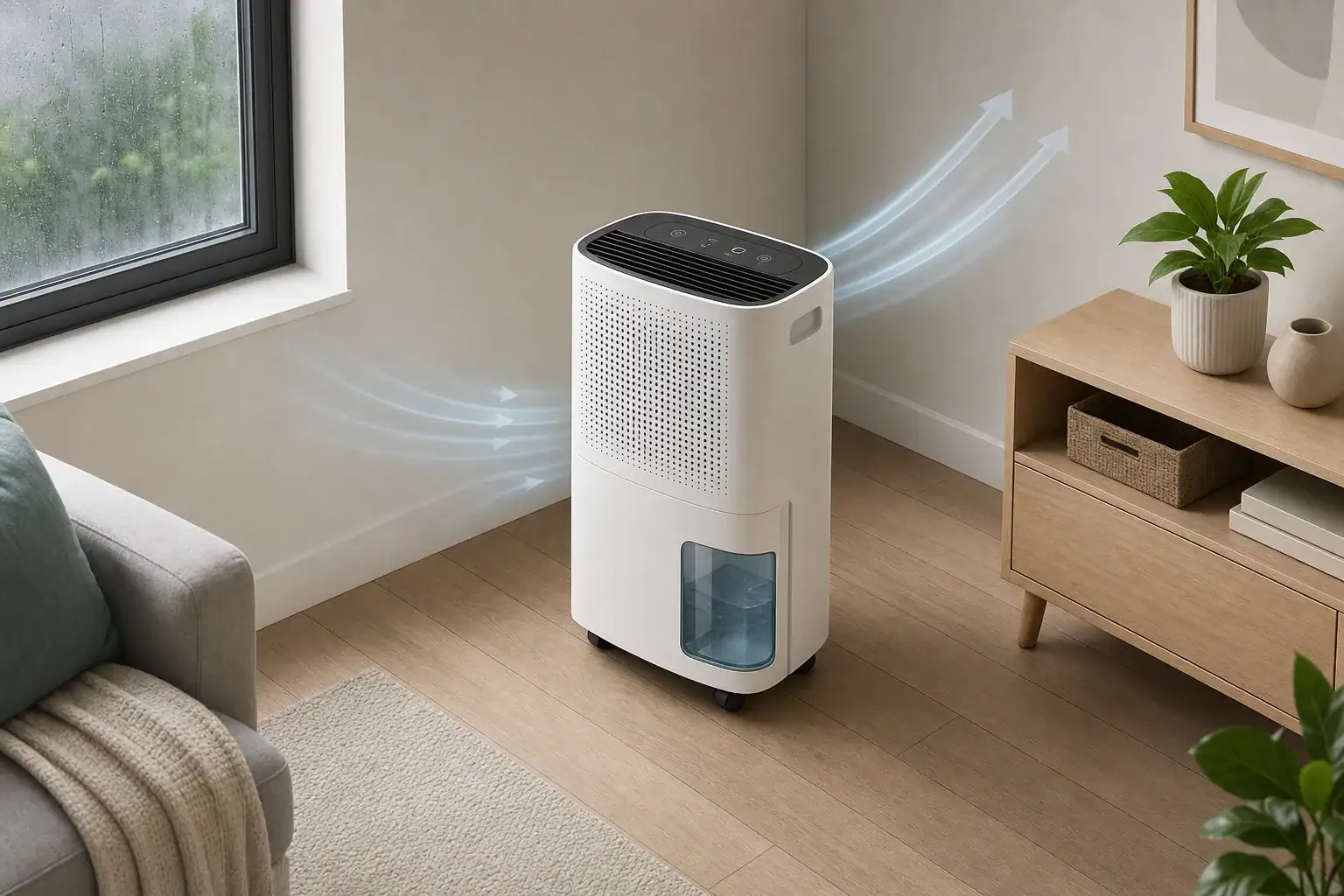
Why the fan continues after dehumidifying
A dehumidifier fan may keep running in Auto-Dry mode because the unit is circulating air to sense room humidity or drying moisture left on its internal coil after the compressor stops. This can be normal, but the meaning of “Auto-Dry” varies by model: it may refer to automatic humidity control, an internal drying cycle, or a laundry-drying setting.
Check the operating-mode description in the unit’s manual before assuming the fan should stop with the compressor. The display may show that the humidity target has been reached even while the fan continues operating.
Fan operation versus compressor operation
The fan and compressor do different jobs and do not always run together:
- Fan: Moves room air through the dehumidifier and across the humidity sensor.
- Compressor: Cools the coil so water can condense from the air.
- Post-run drying: Uses the fan after dehumidification to help remove residual moisture from internal surfaces.
A running fan therefore does not necessarily mean the unit is still collecting water. You may hear the airflow continue while the deeper compressor sound stops.
Common reasons the fan does not stop
- Internal drying is active. Some models run the fan at the end of a cycle to dry the coil or air path.
- The unit is checking humidity. A fan may run continuously or periodically so air reaches the sensor.
- The humidity setting has not been reached. The compressor may cycle while the fan remains on.
- Continuous or laundry mode is selected. These modes may override the normal humidity target.
- Automatic defrost is operating. In cooler conditions, the compressor may pause while the fan continues moving air across the coil.
- Recent power-off behavior is intentional. Pressing the power button may start a short internal-drying sequence instead of stopping the fan immediately.
What to check
- Read the mode indicator. Confirm whether the unit is in automatic humidity control, continuous operation, laundry drying, fan-only operation, defrost, or an internal-dry cycle.
- Review the selected humidity level. If the target is lower than the room can readily reach, the unit may operate for long periods.
- Compare the display with a separate hygrometer. Place it nearby but not directly in the discharge airflow. Small differences are normal; a persistent large difference may indicate poor placement or a sensor issue.
- Check airflow. Follow the manual’s clearance requirements, clean the filter as directed, and make sure the intake and outlet are unobstructed.
- Inspect the water setup. Seat the bucket correctly or check that a drain hose is installed according to the manual. Some units alter operation when a bucket, float, pump, or drain condition is detected.
- Allow an active drying or defrost cycle to finish. Avoid repeatedly switching modes, because that can restart or interrupt the sequence.
When the behavior may indicate a problem
Further troubleshooting may be warranted if the fan never stops despite the manual stating that it should, the controls do not respond, the displayed humidity remains implausible, or the unit no longer collects water under conditions where it previously did.
Use the model-specific reset procedure if one is provided. Before removing a filter or performing routine cleaning, switch off and disconnect the unit as directed by its manual. Do not open the cabinet or attempt electrical or refrigerant-system repairs; contact the manufacturer or an appropriately qualified service provider.
Related guides: Dehumidifier Auto Mode vs Continuous Mode: Which Setting to Use • Dehumidifier Ice Build-Up: Why Coils Freeze and What to Do
Frequently asked questions
How long should a dehumidifier fan run after Auto-Dry is activated?
There is no universal run time because Auto-Dry can mean different functions on different models. The fan may stop after a short internal-drying sequence, run intermittently to sample humidity, or continue while the selected operating mode remains active. Check the manual for the expected behavior of your model.
Why is the fan running but the dehumidifier is not collecting water?
The compressor may be off because the humidity target has been reached, the unit is defrosting, or it is completing an internal-drying cycle. The room may also be too dry or too cool for significant water collection. Confirm the mode, target setting, airflow, and displayed humidity before assuming there is a fault.
Can I switch off a dehumidifier while its Auto-Dry fan is running?
Follow the shutdown instructions in the unit’s manual. Some models intentionally keep the fan running briefly after the power button is pressed to dry internal components, while others stop immediately. Repeatedly changing modes or cycling power may interrupt that sequence.
Summary
A fan that keeps running in Auto-Dry mode is often performing humidity sensing, defrosting, continuous air circulation, or internal drying after the compressor stops. Confirm what Auto-Dry means for your model, check the selected mode and humidity target, and inspect airflow and drainage before treating the behavior as a fault.
- Clear sizing logic (room size → CADR/ACH)
- HEPA vs carbon explained for real use-cases
- Humidity + ventilation basics to reduce mold risk