
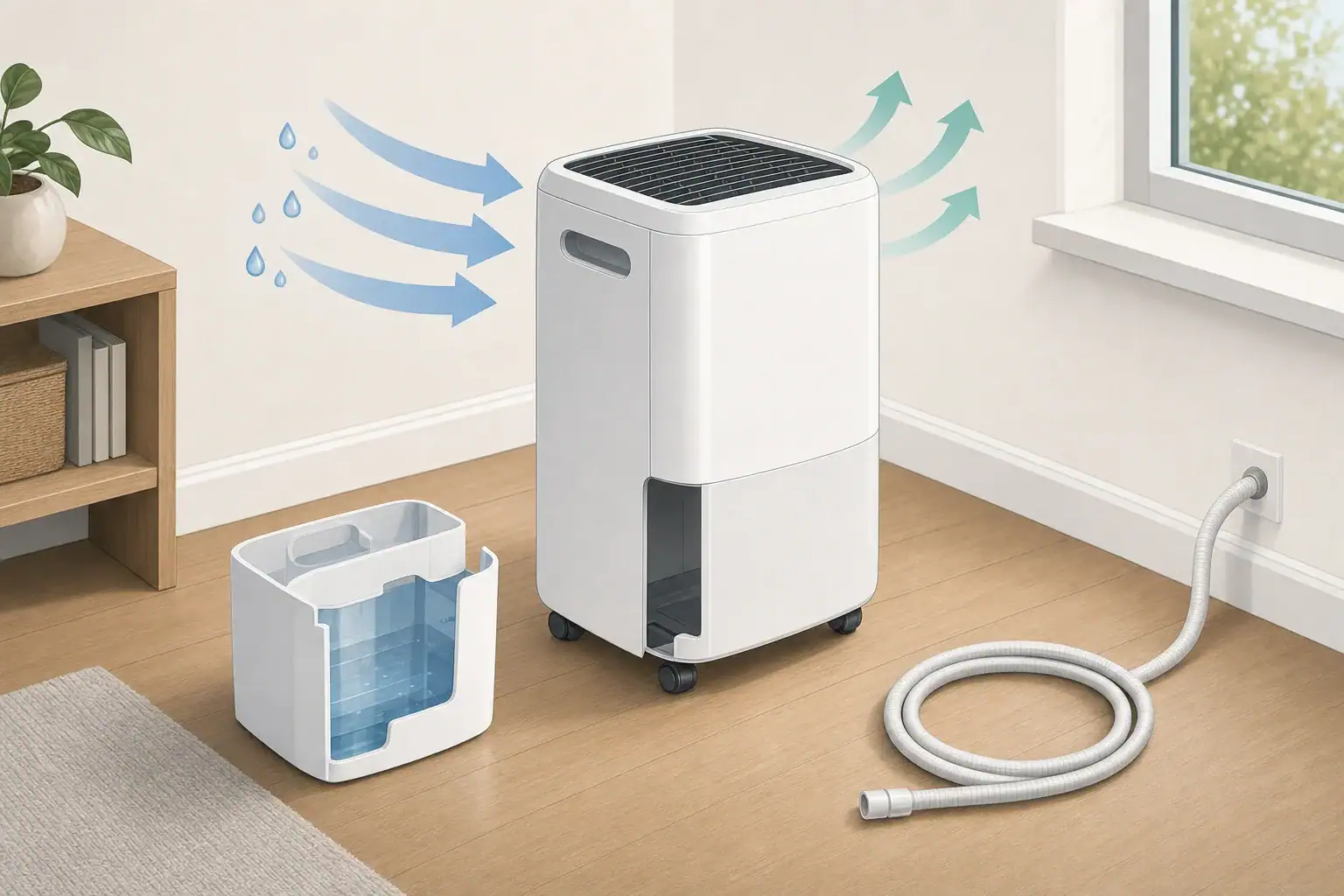
Why a dehumidifier may stop collecting water
A dehumidifier not collecting water does not always indicate a failure. The room may already be at the selected humidity, the air may be too cool for effective condensation, or a bucket, drain, airflow, or refrigeration problem may be preventing collection.
These checks apply mainly to portable compressor-based dehumidifiers. Follow the product manual for model-specific controls, operating temperatures, drainage parts, and maintenance.
Start with the humidity setting
- Check the displayed humidity. If it is already at or below the target, the compressor may remain off while the fan runs intermittently.
- Lower the target temporarily. Set it several percentage points below the current reading, or use continuous mode if the manual provides one.
- Compare readings if possible. A separate hygrometer can help identify whether the built-in sensor is reading differently from the rest of the room.
Condensate volume varies with room temperature, humidity, operating time, and airflow. A small amount of water—or none at all—can be normal in relatively dry conditions.
Check the bucket and float
Many units will not operate if the bucket is full, misaligned, or not pressing the bucket switch correctly. Switch the unit off and follow its manual before removing parts.
- Empty the bucket and reinstall it evenly.
- Confirm that the float moves freely and is not stuck in the full position.
- Look for a full-bucket light or error code.
- Check that the bucket is the correct one for the unit and is not visibly warped or cracked.
Inspect a continuous-drain setup
If a hose is connected, water may be leaving through the drain rather than entering the bucket. For gravity drainage, the hose generally needs a continuous downward path without kinks, loops, or a raised outlet.
- Verify that the hose is attached to the correct port.
- Check whether a cap, plug, or adapter must be installed or removed for the selected drainage mode.
- Make sure the hose is not pinched or blocked.
- For a unit with a pump, use the pump-specific instructions rather than gravity-drain assumptions.
Restore normal airflow
Restricted airflow can reduce moisture removal and contribute to frost on the coil.
- Clean the filter using the method in the manual.
- Remove dust from accessible intake and exhaust grilles without opening the cabinet.
- Provide the clearance specified by the manufacturer.
- Keep curtains, furniture, and stored items away from the air path.
Look for frost or cold-room operation
Compressor-based dehumidifiers collect less water as room temperature falls. Some models pause the compressor during automatic defrost, so the fan may run without producing water for part of the cycle.
If ice remains on the coil, check the filter, airflow, and the model’s permitted temperature range. Let the unit thaw naturally as directed by the manual; do not chip at the ice or apply external heat.
Use the symptoms to narrow the cause
| What you observe | Likely direction to check |
|---|---|
| The unit cycles off near the target humidity | The setpoint may already be satisfied |
| A full-bucket light remains on | Bucket seating, float position, or bucket switch |
| The fan runs and the coil frosts | Low room temperature or restricted airflow |
| The bucket stays dry with a hose attached | Water may be draining normally; inspect the hose outlet |
| The room remains humid under permitted operating conditions | Sensor, compressor, fan, or sealed-system service may be needed |
When simple checks do not solve it
After confirming the setting, room conditions, bucket position, drainage configuration, filter, and airflow, run the unit as directed by the manufacturer. If the room remains humid and neither the bucket nor drain receives condensate, consult the troubleshooting codes in the manual.
Cabinet disassembly and sealed refrigeration-system work are not routine homeowner maintenance. Contact the manufacturer or an appropriate service provider if accessible checks do not identify the problem.
Related guides: Basement Dehumidifier Drain Hose Setup: Gravity, Pumps, and Common Mistakes • Dehumidifier Ice Build-Up: Why Coils Freeze and What to Do • Humidity Sensor Accuracy: Why Cheap Hygrometers Disagree
Frequently asked questions
Why is my dehumidifier fan running but the bucket is empty?
The fan can run when the selected humidity level has been reached or while the unit is in an automatic defrost cycle. It may also run without collecting much water when the room is cool or relatively dry. Check the displayed humidity, target setting, and the model’s operating temperature range.
Should a dehumidifier collect water every day?
Not necessarily. Water collection changes with humidity, room temperature, airflow, and how long the compressor operates. A unit may collect little or no water when the room is already near its target humidity.
Can a drain hose keep water out of the dehumidifier bucket?
Yes. With continuous drainage connected correctly, condensate may flow through the hose instead of into the bucket. Check that the hose has an unobstructed downward route and that the unit is configured according to its manual.
Summary
Begin with the humidity target and room conditions, then check the bucket, float, drain hose, filter, airflow, and visible frost. No water may be normal when the setpoint is satisfied, but persistent non-collection in humid conditions can indicate a sensor, control, compressor, or refrigeration-system problem.
- Clear sizing logic (room size → CADR/ACH)
- HEPA vs carbon explained for real use-cases
- Humidity + ventilation basics to reduce mold risk