
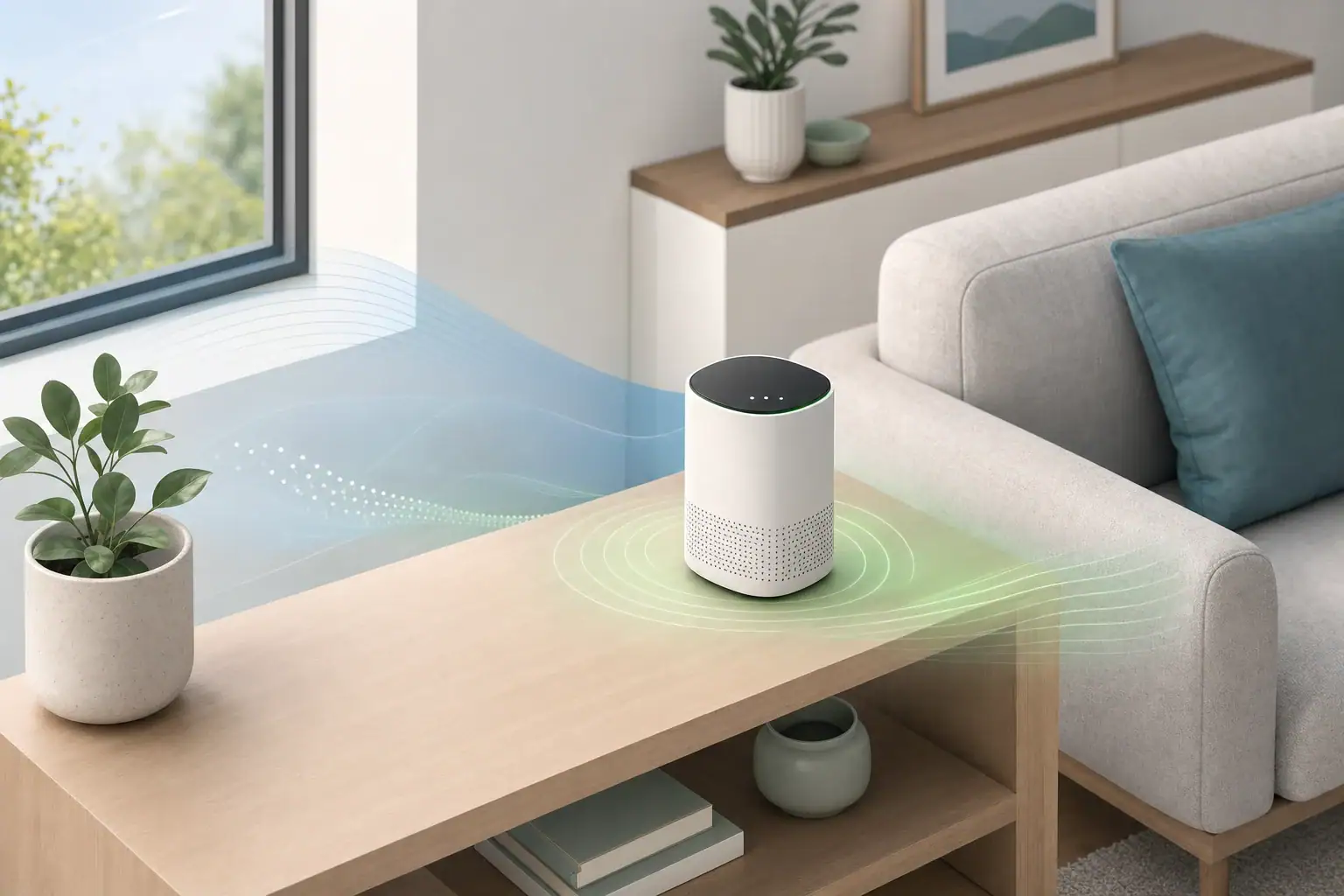
The short answer
A new air quality monitor becomes useful after its required startup period has ended and its readings have stopped drifting under reasonably steady room conditions. There is no universal warm-up time: some measurements may respond within minutes, while other sensors or calibration routines may require substantially longer. Follow the manufacturer’s instructions when they specify a waiting period.
Early readings can still show that conditions are changing, but they may not provide a dependable baseline for comparing rooms, days, or ventilation changes.
Warm-up can mean several different things
- Startup: The monitor boots, checks its sensors, starts any internal fan, and begins collecting data.
- Environmental stabilization: The device adjusts to the room’s temperature and humidity after shipping, storage, or relocation.
- Measurement averaging: The display may combine readings collected over a set interval rather than showing an immediate value.
- Baseline adjustment: Some sensors use automatic routines that learn typical background conditions over time. This is separate from basic startup.
- Manufacturer-specified conditioning: Certain devices require continuous operation before all reported measurements are intended for interpretation.
Why measurements stabilize at different rates
An air quality monitor may contain several sensor types, each with its own response and stabilization behavior.
- Particle readings: These depend on stable airflow through an optical sensing chamber. Handling the unit, dust near the inlet, or a recently started fan can affect initial values.
- Carbon dioxide readings: Placement, nearby breathing, temperature changes, and automatic baseline routines can influence the displayed concentration.
- VOC readings: Many consumer monitors report a broad estimate or index rather than identifying individual chemicals. Initial drift can reflect both sensor stabilization and changing background conditions.
- Temperature and relative humidity: A device moved from a vehicle, package, or another room needs time to reach the surrounding room conditions.
A combined air-quality score may also behave differently from the individual measurements because it is calculated from multiple inputs.
How to establish a useful baseline
- Read the setup instructions. Look for separate guidance on startup, calibration, continuous power, placement, and automatic baseline adjustment.
- Choose a representative location. Unless evaluating a specific source, keep the monitor away from direct sunlight, open windows, supply vents, cooking appliances, humidifiers, and a person’s immediate breathing zone.
- Leave it in place. Moving the device between areas can restart temperature, humidity, or gas-sensor stabilization.
- Keep ordinary conditions steady. Avoid judging warm-up while cooking, cleaning, showering, using sprays, or making major ventilation changes.
- Watch the trend. A series of readings is more informative than one number. Look for reduced drift across several display updates.
- Record the context. Note occupancy, ventilation, HVAC operation, and activities that could explain changes.
Do not deliberately create smoke, fumes, or other pollutants to test whether a monitor responds.
Signs that readings are ready to interpret
- The startup or calibration message has cleared.
- The manufacturer’s stated waiting period has passed.
- Readings no longer move persistently in one direction while room conditions remain steady.
- Normal activities produce repeatable directional changes rather than unexplained jumps.
- The device has remained powered and stationary as required by its instructions.
Stability does not prove accuracy. It only indicates that the monitor may be ready for trend tracking. Measurement accuracy, detection limits, maintenance requirements, and calibration options depend on the device and sensor.
If values keep drifting
Persistent drift does not always indicate a defective monitor. Check for:
- Recent relocation or a large temperature or humidity change
- Direct airflow from a vent, fan, window, or portable air cleaner
- Sunlight warming the enclosure
- Cooking, cleaning products, fragrances, aerosols, or high occupancy
- Blocked or dusty air inlets
- Power interruptions or repeated unplugging
- An automatic baseline routine described in the manual
- A sensor replacement, cleaning, or recalibration requirement
If the device continues to report implausible values after the specified stabilization period, follow its approved reset or maintenance procedure. Avoid opening the enclosure or cleaning internal components unless the manufacturer expressly permits it.
How to use early readings
During startup, treat the display as provisional. It may help reveal whether a reading is rising or falling, but avoid using it to compare rooms, judge a ventilation change, or establish a long-term baseline. Begin recording comparison data only after the device has stabilized under its documented setup conditions.
EPA guidance on low-cost air-pollution monitors explains that alerts from these monitors are not designed to warn of immediate danger in the way certified carbon-monoxide alarms or smoke detectors are. The EPA also notes that a monitor detects only the pollutants or environmental factors it is designed to measure. Check the specifications for the particular device, do not assume that it measures carbon monoxide unless the manufacturer says it does, and do not use a general indoor air-quality monitor as a substitute for certified carbon-monoxide alarms or smoke detectors.
Related guides: Where to Place an Air Quality Monitor: Height, Distance, and Rooms • How to Clean and Calibrate an Air Quality Monitor • Air Quality Monitor False Alarms: Humidity, Sprays, Cooking, and Sensor Drift
Frequently asked questions
Does moving an air quality monitor restart its warm-up time?
Moving a monitor can cause temperature, humidity, and some gas-related readings to stabilize again, especially when the new location has different conditions. Follow the device instructions and allow readings to settle before comparing the new location with earlier data.
Should an air quality monitor stay plugged in all the time?
Continuous power may be important when a monitor uses averaging, automatic baseline adjustment, or a manufacturer-specified conditioning period. Check the manual because the effect of power interruptions varies by device and sensor type.
Can I use an air quality monitor immediately after unboxing?
You can use early readings to observe broad directional changes, but they may not yet be suitable as a baseline. Keep the monitor in its intended location and wait for any stated startup period and for readings to stop persistently drifting under steady conditions.
Summary
Air quality monitor warm-up time depends on the sensor, environment, averaging method, and calibration process. Wait for startup indicators to clear, follow the manufacturer’s timing, keep the monitor stationary, and confirm that readings have settled under steady conditions. Use early numbers as provisional trends rather than a firm baseline.
- Clear sizing logic (room size → CADR/ACH)
- HEPA vs carbon explained for real use-cases
- Humidity + ventilation basics to reduce mold risk