Why is my air purifier red?
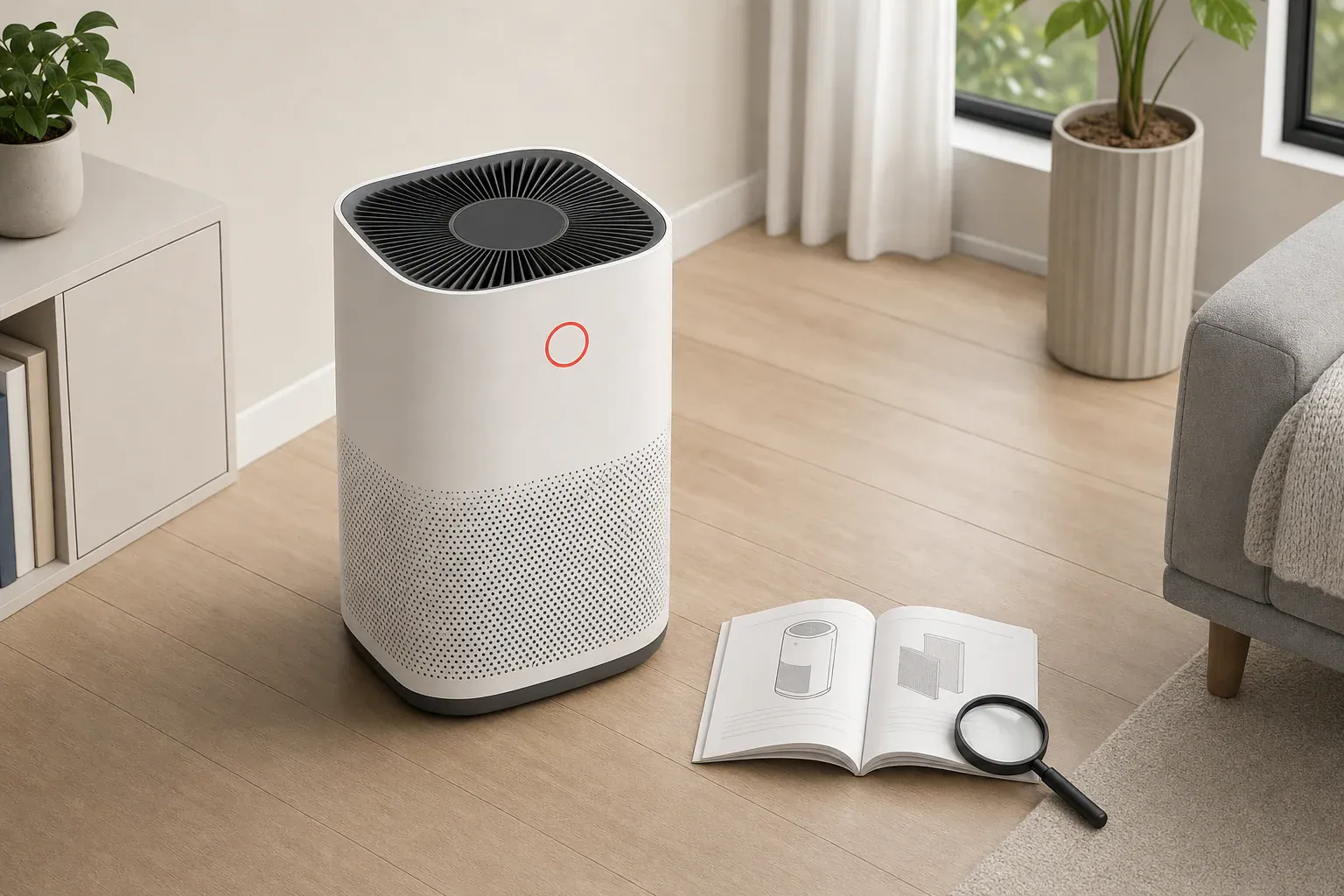
Red has no universal meaning on an air purifier. A large color-changing ring may report the unit’s sensor reading, while a separate red filter symbol may be a maintenance reminder. On another model, a red control light may simply identify an operating mode or a model-specific error.
Before buying a filter, attempting a reset, or assuming the purifier has failed, identify which light is red: its location, nearby icon, and whether it is solid, blinking, or changing color matter more than the color alone.
Match the red light to what you see
| What you see | What it may mean | What to verify before acting |
|---|---|---|
| Large solid ring or bar that changes color | Sensor-based air-quality status | Check the model’s color legend, what its sensor is intended to detect, and whether cooking, smoke, dust, or sprays occurred shortly before the change. |
| Separate red light labeled “Filter,” “Check Filter,” or marked with a filter icon | Filter-maintenance reminder | Check the manual for the named filter and the model-specific maintenance instructions. |
| Red power or control light while the unit otherwise operates normally | Possibly ordinary operating status | Compare the light’s location and symbol with the control-panel diagram in the manual. |
| Blinking or pulsing red light | Unknown without the exact model; it may relate to startup, maintenance, pairing, or a fault | Record the icon, flash pattern, and any displayed code, then use the troubleshooting table for that model. |
| Red light with a stopped fan or an error code | Possible model-specific fault | Turn the unit off and consult the manufacturer’s manual or support page rather than trying a reset sequence intended for another purifier. |
| Any light with a hot, smoking, melting, or odor-producing plug; sparks; or smoke | Electrical problem independent of the indicator color | Unplug the appliance and stop using it. The U.S. Consumer Product Safety Commission’s home-wiring guidance gives this stop-use advice for a hot, smoking, melting, or odor-producing plug. |
Safe first checks
- Document the indicator. Note whether it is solid, blinking, pulsing, or changing color. Note any nearby filter, fan, power, wireless, or warning icon.
- Consider recent room activity. If the light is part of an air-quality display, cooking, smoke, dust, or sprays may be relevant. This does not establish what the color means; the model’s legend does.
- Check for obvious airflow obstruction. Keep loose objects from covering the purifier’s inlet or outlet, following the placement directions for the specific unit.
- Find the exact manual. Similar-looking products, including products from the same brand, can use different indicators and reset procedures.
- Follow only the documented procedure. Do not copy a button combination or hold time from a different model. Manufacturer instructions can distinguish between a maintenance timer and a live air-quality display.
Sensor location can influence a sensor-based display. EPA guidance for air sensors advises avoiding locations near doors, windows, stoves, HVAC vents, humidifiers, and showers because changing environmental conditions can affect readings. See the EPA air-sensor placement fact sheet. That general guidance does not decode a purifier brand’s proprietary color scale.
Model-number lookup checklist
- Photograph the rating label, commonly located on the back or bottom of the purifier.
- Record the complete model number, including letters, region codes, and suffixes.
- Use the manufacturer’s official support site for your region when available.
- Confirm that the manual’s control-panel diagram matches your unit.
- Search the manual for “indicator,” “red,” “filter,” “error,” and “troubleshooting.”
- Determine whether the light belongs to a sensor display, maintenance timer, operating mode, or error system.
- Use only the reset or service instructions published for that exact model.
Worked example: a pollution reading versus a filter reminder
Consider two documented examples. These examples illustrate why a color cannot be transferred from one purifier to another; they are not a diagnosis for an unidentified model.
- Coway AP-1512HH: Its owner’s manual labels the round air-quality lamp red as “Highly polluted.” On this model, the red round lamp is an air-quality indicator. See the AP-1512HH owner’s manual.
- Blue Pure 511: Its user manual states that when the indicator light turns red, it is time to change the main filter. This is a maintenance indicator for that model. See the Blue Pure 511 user manual.
In this example, treating the Coway’s red round lamp as a filter alert would address the wrong function. Treating the Blueair indicator as a live pollution reading would delay the maintenance step specified by its manual. Neither meaning should be assumed for another model.
If the light is red after a filter change
First establish that the red light is actually the filter reminder. It may instead be an air-quality display or another status indicator. If the manual identifies it as a filter reminder, consult that model’s instructions to verify the filter type, fit, cover position, and whether the reminder requires a documented reset. For troubleshooting after identification, see Air Purifier Filter Light Won’t Reset: Practical Fixes.
A red light that remains on does not, by itself, prove that a new filter is defective.
Frequently asked questions
Does a red air purifier light always mean the air is polluted?
No. A large color-changing ring or bar may show an air-quality reading, but a separate red filter icon may be a maintenance reminder. Check the indicator’s location, nearby symbol, and the legend for your exact model.
Why is my air purifier still red after I changed the filter?
First verify that the red light is the filter reminder rather than an air-quality display or another status light. Then follow the exact manual for that model to check the filter installation and any required reminder reset.
Can cooking or cleaning make an air-quality light turn red?
They can coincide with a sensor-based color change on models that have a live air-quality indicator. Check the manufacturer’s legend to learn what the color represents on your purifier; do not treat the color as a universal measurement or alarm.
What should I do if the red light is blinking?
A blinking red pattern does not have one universal meaning. Record the nearby icon, flash pattern, and any error code, then consult the troubleshooting section for the exact model instead of trying a reset sequence from another purifier.
Related guides: Air Purifier Maintenance Checklist: Monthly and Seasonal Tasks • Cleaning Air Purifier Sensors and Intakes: What Not to Do • Air Purifier Placement Mistakes: Corners, Walls, and Obstructed Airflow
Bottom line
Identify the indicator before trying to clear it. Its icon, location, light pattern, and exact model number are more informative than red alone. Use the matching owner’s manual for interpretation and maintenance, and stop using the purifier if there are signs of an electrical problem.
Recommended next:
- Best Air Purifiers for Allergies: What to Look For (CADR, HEPA, Carbon)
- How to Choose the Right Air Purifier for Your Room Size (With CADR & ACH)
- Air Purifier Placement: Where to Put It for Best Results
- Do Air Purifiers Help With Smoke and Odors?
- Air Purifier Noise: What dB Levels Are Quiet Enough for Sleep?
- Best Air Purifiers for Pets: Dander, Odors, and Filter Costs
- Clear sizing logic (room size → CADR/ACH)
- HEPA vs carbon explained for real use-cases
- Humidity + ventilation basics to reduce mold risk