
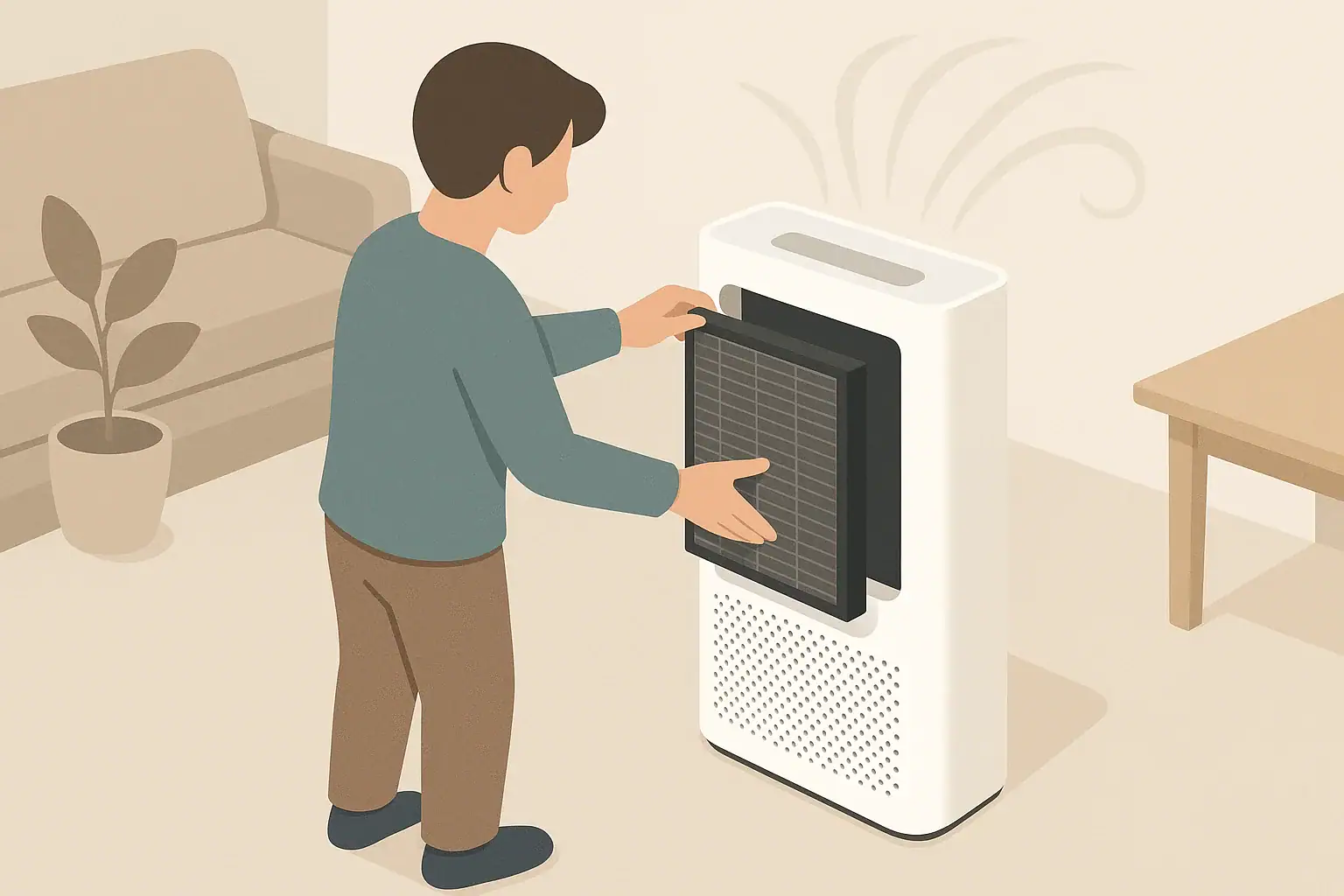
Air purifiers do their best work when air can move freely through clean filters and unobstructed intakes. A simple maintenance checklist helps you:
- Keep airflow strong so the purifier can cycle room air as intended
- Reduce dust buildup on furniture and nearby surfaces
- Avoid running clogged filters that waste energy
- Plan for filter replacement costs over time
- Extend the useful lifespan of the appliance
This guide focuses on practical, at-home steps for filters, sensors, and routine cleaning. Always consult your device manual for model-specific details and safety information.
Why an Air Purifier Maintenance Checklist Matters
Air purifiers do their best work when air can move freely through clean filters and unobstructed intakes. A simple maintenance checklist helps you:
- Keep airflow strong so the purifier can cycle room air as intended
- Reduce dust buildup on furniture and nearby surfaces
- Avoid running clogged filters that waste energy
- Plan for filter replacement costs over time
- Extend the useful lifespan of the appliance
This guide focuses on practical, at-home steps for filters, sensors, and routine cleaning. Always consult your device manual for model-specific details and safety information.
Core Filter Maintenance Tasks
Most home air purifiers use a combination of filters. The exact stack varies, but common elements include a pre-filter, a HEPA or HEPA-type filter, and an activated carbon filter. Keeping each layer in good shape is the core of your air purifier maintenance checklist.
Pre-Filter: First Line of Defense
The pre-filter captures larger particles such as hair, lint, and coarse dust. This protects the finer filters behind it.
Typical checklist items:
- Inspect frequency: Every 2–4 weeks
- Cleaning method: Light vacuuming with a brush attachment or gentle rinsing if the manual allows
- Replacement: Some pre-filters are washable and reusable; others are disposable and replaced every few months
Why it matters: A clogged pre-filter restricts airflow and forces the fan to work harder. Regular cleaning can help keep fan noise and energy use more predictable.
HEPA and HEPA-Type Filters
Many purifiers use a high-efficiency particle filter to capture fine particles such as dust, smoke particles, and pollen-sized particles. True HEPA filters are built to a defined efficiency standard, while HEPA-type filters are similar in concept but may not follow the same test criteria. Some devices also refer to H13 or H14 classifications, which relate to higher efficiency levels in certain standards.
Typical checklist items:
- Inspect frequency: Every 1–3 months for visible discoloration or heavy loading
- Replacement guidance: Often every 6–12 months, but follow your manual and use patterns
- Visual check: Look for darkened pleats, caked-on dust, or musty odor when the unit starts
Avoid washing or vacuuming most HEPA-style filters unless the manufacturer specifically says it is safe. Moisture or rough handling can damage the fine fibers and reduce efficiency.
Activated Carbon and Odor Filters
Activated carbon and other sorbent materials are used to reduce certain odors and some gases (often called VOCs). Over time, the carbon becomes saturated and less effective.
Typical checklist items:
- Inspect frequency: Every 1–3 months
- Replacement guidance: Often 3–6 months of use, depending on pollutant levels and usage hours
- Usage cues: If you notice odors lingering longer than before, the carbon layer may be exhausted
Carbon filters are usually not washable. Water and detergents can destroy their adsorptive structure.
Filter Status Indicators and Timers
Many purifiers include a filter indicator light or time-based reminder. These systems usually estimate filter life from fan speed and run time, not real-time particle loading.
Checklist steps:
- Use the indicator light as a reminder, not the only rule
- Also rely on visual inspection and changes in airflow or noise
- After installing a new filter, follow the manual to reset the indicator
Filter life is strongly affected by home conditions, such as nearby traffic, burning candles, or frequent cooking.
Example values for illustration.
| Task | Why it matters | Example frequency |
|---|---|---|
| Clean pre-filter | Prevents airflow restriction and dust recirculation | Every 2–4 weeks |
| Check HEPA or HEPA-type filter | Ensures fine particles are still being captured efficiently | Inspect every 1–3 months |
| Replace main particle filter | Avoids running with a saturated filter and weak performance | About 6–12 months of typical use |
| Replace carbon/odor filter | Maintains odor and gas adsorption capacity | About 3–6 months of typical use |
| Wipe exterior and vents | Reduces dust buildup that can re-enter the room | Every 2–4 weeks |
| Clean sensor inlets (if present) | Helps auto mode respond more accurately to air changes | Every 2–3 months |
| Check placement and clearances | Maintains good airflow around the purifier | Seasonally or after room rearrangements |
Cleaning the Purifier Body and Airflow Path
Even with good filtration, dust can settle on the purifier’s exterior, intake grille, and outlet. Light, regular cleaning keeps air moving smoothly and reduces resuspension of dust.
Safety First
Before cleaning:
- Turn the purifier off and unplug it
- Allow the fan to come to a complete stop
- Handle filters gently to avoid tearing seals or frames
Exterior Surfaces
Use a soft, dry or slightly damp cloth to wipe:
- Top panel and control surface
- Side panels and base
- Cord and plug (while unplugged)
Avoid spraying cleaners directly onto the unit. Instead, apply a small amount to the cloth if needed and keep moisture away from control panels, seams, and power inlets.
Intake and Outlet Grilles
Dust can collect in the grilles where air moves in and out.
- Use a vacuum with a brush attachment on low suction to capture loose dust
- Follow with a dry cloth to wipe remaining residue
- Do not insert tools or cloths deeply into the grille where they could contact moving parts
If the grille is removable according to the manual, you may be able to take it off and wipe both sides more thoroughly.
Inside the Filter Compartment
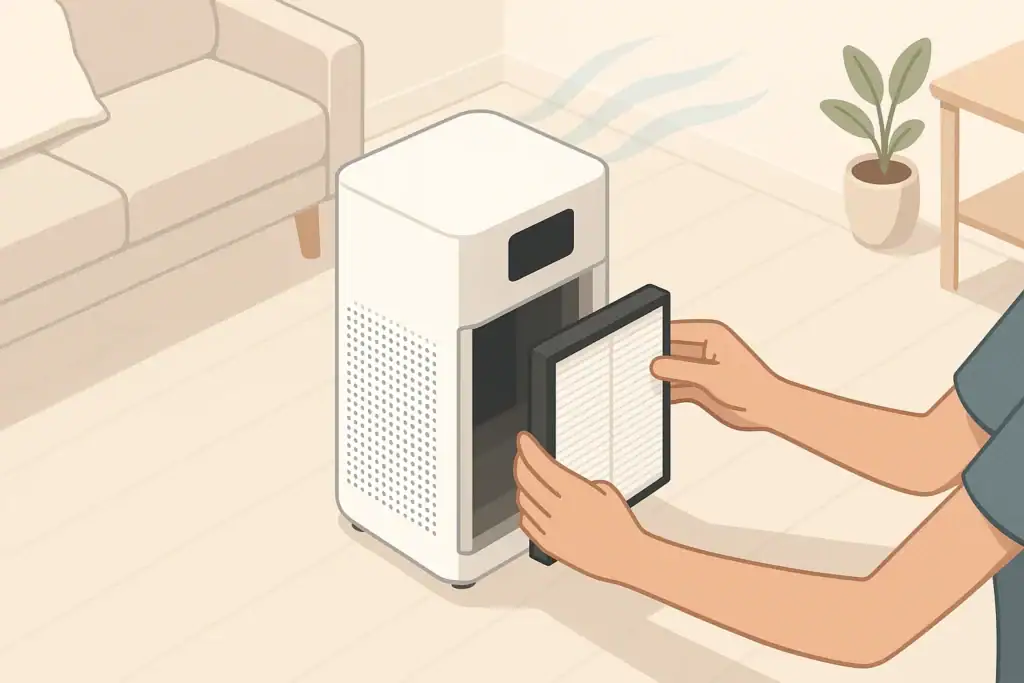
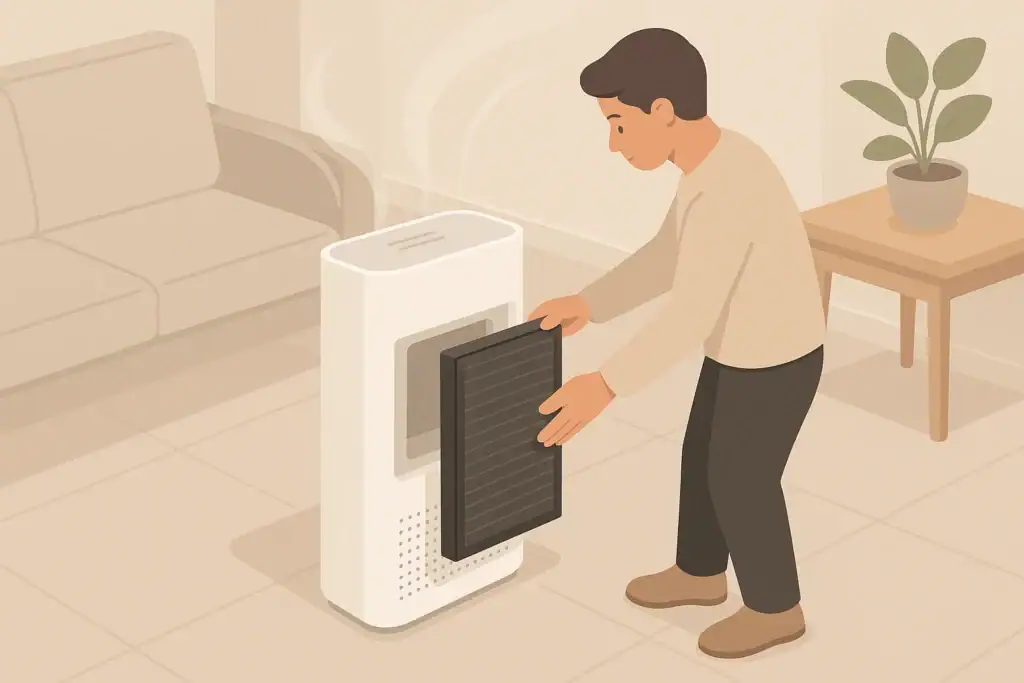
When filters are out for inspection or replacement:
- Gently vacuum loose dust from interior surfaces without touching sensors or wiring
- Check gaskets and seals around the filter frame for cracks or misalignment
- Ensure the new or cleaned filter sits flat and snug to limit bypass gaps
Good sealing helps direct air through the filters instead of around them, which supports more consistent performance.
Sensor Care and Air Quality Feedback
Some purifiers include built-in particle sensors or VOC sensors and adjust fan speed automatically. Dust collecting on sensor inlets can affect readings and cause the fan to run too high or too low.
Finding the Sensor Inlet
The sensor opening is usually located on a side panel, back panel, or under a small cover. It may look like a small vent or slot separate from the main air intake. Consult the manual for the exact location.
Cleaning the Sensor Area
Typical steps include:
- Unplug the purifier before cleaning
- Use a soft brush or dry cotton swab around the sensor opening
- Avoid liquids, sprays, or compressed air directly into the sensor area
Some devices have a removable dust cap or mesh that you can gently clean. If that piece is detachable, clean it first and let it dry fully before reassembly.
Interpreting Sensor Readings
Built-in sensors are usually designed to give relative guidance rather than precise laboratory-grade measurements. They are useful for:
- Spotting trends, such as particle spikes when cooking or vacuuming
- Letting auto mode respond to general changes in indoor air
- Helping you notice when a consistently high reading might mean more ventilation or a separate monitor could be helpful
If readings do not change even when you know particle levels should rise (for example, during heavy cooking), the sensor or its inlet may need attention, or the device may require service according to the manual.
Scheduling Filter Replacement and Budgeting Costs
Planning ahead for filter replacements helps keep your purifier running without unexpected gaps. A simple schedule can be built around typical intervals, then adjusted based on your home’s conditions.
Factors That Shorten Filter Life
Filters load faster when:
- Windows are often open near busy roads or dusty outdoor areas
- There is frequent indoor smoking or incense burning
- You cook often without strong ventilation
- Pets shed hair and dander near the purifier’s intake
In such cases, you may choose to inspect and replace filters earlier than the upper end of the suggested range.
Creating a Simple Replacement Calendar
To keep things manageable:
- Note installation dates on a small label inside the filter door or on a household calendar
- Set reminders on your phone for inspection (for example, every 2–3 months)
- Group maintenance for multiple purifiers on the same day, such as the first weekend of each quarter
This approach helps you balance cost, performance, and convenience without needing to track exact runtimes.
Example values for illustration.
| Filter type | Typical interval range | What changes it | Reminder idea |
|---|---|---|---|
| Washable pre-filter | Clean every 2–4 weeks; replace if damaged | Heavy pet hair or visible lint buildup | Pair with regular vacuuming day |
| Main particle (HEPA or HEPA-type) | About 6–12 months | High outdoor pollution, smoke events, long daily run times | Mark replacement month on a calendar |
| Activated carbon or odor filter | About 3–6 months | Frequent cooking, strong odors, VOC sources indoors | Check at the start of each season |
| Combined cartridge (particle + carbon) | About 6–12 months | How often the purifier runs on higher fan speed | Use the built-in filter reminder plus visual check |
| Specialty filters (for specific gases) | Varies by design; often similar to carbon | Presence of targeted gases or odors | Follow manual and note date on the filter frame |
Placement, Operation Habits, and Long-Term Care
Maintenance is more effective when paired with good placement and operation habits. These steps help your purifier work consistently between cleanings.
Maintaining Clear Airflow Around the Unit
Most air purifiers need space around their intakes and outlets:
- Leave open space on all sides as recommended in the manual, often several inches or more
- Avoid placing the unit flush against walls, curtains, or furniture that block airflow
- Raise compact units slightly off the floor if the design allows, to reduce dust drawn directly from carpets
Re-check clearances whenever you rearrange furniture or add new items near the purifier.
Consistent Run Time and Fan Settings
Running a purifier only for short periods may limit its ability to cycle room air. At the same time, operating at maximum speed constantly can add noise and use more energy.
Balancing habits might include:
- Using a moderate fan speed for most of the day in occupied rooms
- Temporarily increasing fan speed during activities that add particles, such as cooking
- Using quieter settings during sleep, paired with consistent daytime operation
More hours of operation generally mean filters will need replacing sooner, which you can incorporate into your replacement planner.
Seasonal Checks
Once or twice a year, add these items to your air purifier maintenance checklist:
- Confirm the power cord and plug are intact with no visible damage
- Check that the purifier is level and stable on its surface
- Inspect the housing for cracks or warping that could affect seals
- Review the manual for any specific service or inspection notes you may have missed
Seasonal checks pair well with other household tasks such as changing HVAC filters or testing smoke alarms.
Coordinating With Other Indoor Air Strategies
Air purifiers are one part of a broader indoor air plan that may also include ventilation, humidity control, and source reduction. Keeping the purifier maintained means it can support those other steps more reliably, whether you are reducing dust, managing odors, or simply aiming for a fresher-feeling indoor environment.
Frequently asked questions
How often should I clean the pre-filter versus replacing it?
Inspect and clean pre-filters every 2–4 weeks; washable pre-filters can be rinsed or vacuumed while disposable ones should be replaced every few months. Replace sooner if you see damage or heavy loading that does not come off with gentle cleaning.
Is it safe to wash HEPA or HEPA-type filters?
Most HEPA and HEPA-type filters should not be washed because moisture and rough handling can damage the fine fibers and reduce efficiency. Only wash if the manufacturer explicitly states it is safe, and allow the filter to dry completely before reinstalling.
How should I clean the air quality sensor to keep auto mode accurate?
Unplug the purifier and use a soft brush or a dry cotton swab to remove dust around the sensor inlet, avoiding liquids, sprays, or compressed air directed into the sensor. If the model has a removable mesh or cap, gently clean and fully dry that piece before reassembly.
What signs mean an activated carbon filter needs replacing sooner than planned?
Persistent or returning odors, a noticeable decline in odor adsorption, or a saturated-looking carbon layer are signs the carbon filter is exhausted. Increased VOC readings or a change in perceived air quality despite normal operation also indicate earlier replacement may be needed.
How do placement and operating habits affect filter life and performance?
Filters load faster near open windows, busy roads, heavy cooking, indoor smoking, or where pets shed frequently, and higher fan runtimes also shorten filter life. Keep recommended clearances, use moderate fan settings for routine use, and inspect filters more often in high-pollution conditions to balance performance and cost.
Recommended next:
- Clear sizing logic (room size → CADR/ACH)
- HEPA vs carbon explained for real use-cases
- Humidity + ventilation basics to reduce mold risk
About this site
Home Air Quality Lab publishes practical, independent guides about indoor air quality—clear sizing, safer use, and real-world expectations.
Affiliate disclosure
Some links on this site may be affiliate links. If you buy through these links, we may earn a small commission at no extra cost to you. This helps support our content. Learn more.