
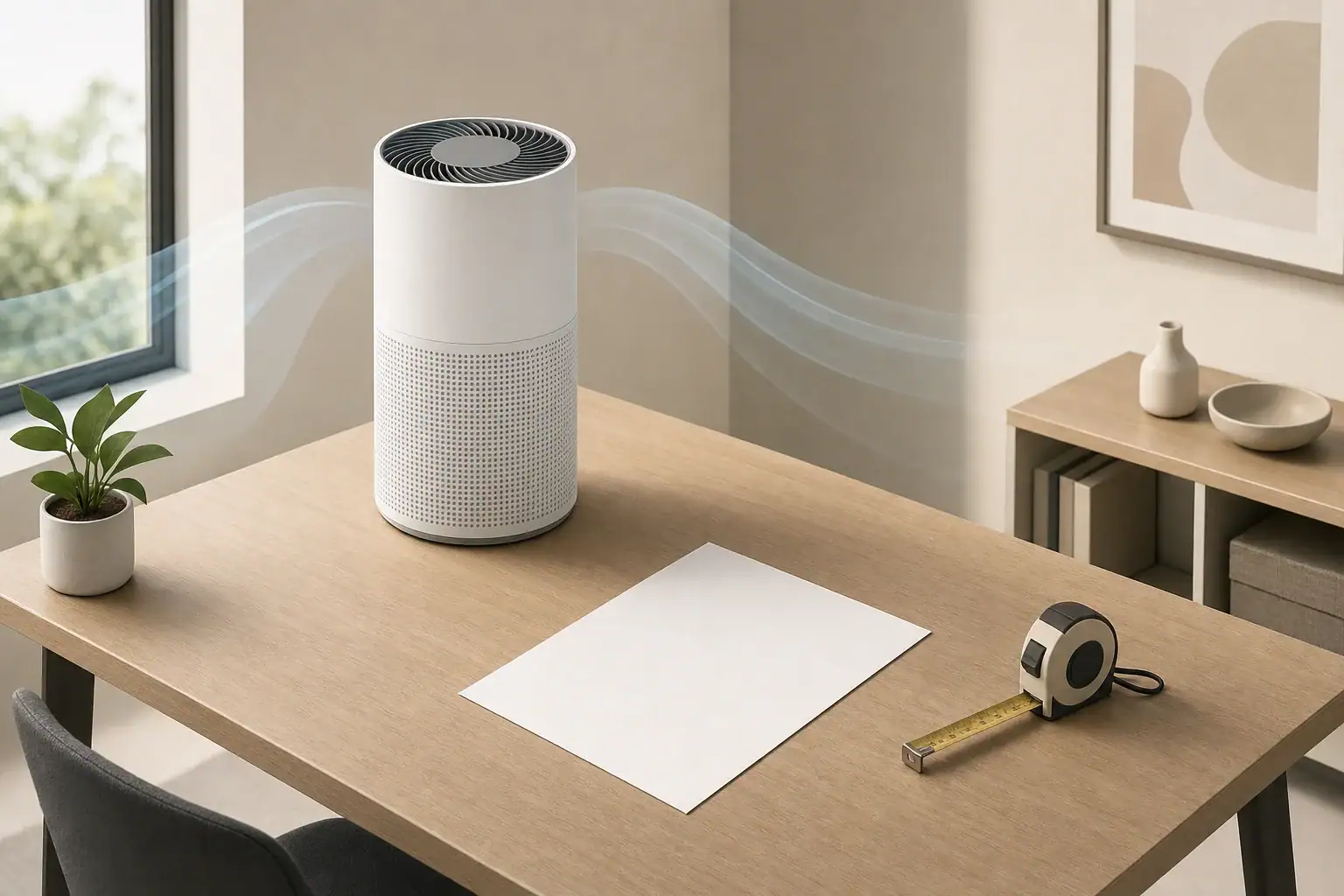
The quietest effective air purifier setting is the lowest speed that still delivers enough clean air delivery rate, or CADR, for the room and current particle level.
For routine use, that usually means sizing the purifier so a low or medium setting can maintain useful airflow without dominating the room acoustically. Higher settings remain useful for temporary particle events, but they do not need to run continuously in every situation.
- Plan around roughly 2–3 air changes per hour for lower-intensity routine particle control and about 4–5 air changes per hour when faster particle removal is wanted. These are general planning ranges, not universal requirements.
- Choose a purifier that can meet the room’s target CADR on a setting you will actually tolerate, often low or medium rather than maximum.
- About 25–35 dBA may blend into many quiet bedrooms, while 35–45 dBA is more noticeable. Perception depends on distance, room surfaces, and background sound.
- Allow roughly 25%–50% extra capacity when practical so the unit can operate below its loudest speed.
- Use high speed temporarily during cooking particles, smoke infiltration, cleaning, or other short-term particle increases, then reduce the setting.
What Air Purifier Noise and CADR Mean
Noise and CADR describe different parts of purifier performance. Noise is commonly reported in A-weighted decibels, or dBA. CADR describes how much particle-free air a purifier supplies, usually in cubic feet per minute in the United States.
A purifier generally becomes louder as fan speed increases. The higher speed moves more air through the filter, raising CADR, but it also creates more sound from the motor, fan, intake, and outlet airflow.
Decibels use a logarithmic scale, so a change of several decibels may be clearly noticeable even when the numbers look close. Published noise values also may not be directly comparable unless the measurements were taken at similar distances, fan settings, and room conditions.
CADR is preferable to fan airflow alone because it accounts for both airflow and particle-removal efficiency. If separate CADR values are provided for smoke, dust, and pollen, the smoke CADR is often a useful conservative reference for smaller airborne particles. It does not measure gas or odor removal.
How to Match CADR to Room Size and Fan Speed
A practical CADR estimate starts with room volume and a target number of air changes per hour, or ACH. For CADR measured in cubic feet per minute, use this planning formula:
Required CADR = room area × ceiling height × target ACH ÷ 60
For example, a 200-square-foot bedroom with an 8-foot ceiling has a volume of 1,600 cubic feet. At four air changes per hour, the calculation is 1,600 × 4 ÷ 60, or about 107 cfm of CADR.
This is a simplified estimate. Furniture, open doors, connected spaces, purifier placement, filter loading, and airflow mixing can change real-world results. An open-plan area should be treated as the full connected volume unless doors or barriers reliably separate it.
Plan for the setting you expect to use
Room-size claims are often based on a purifier’s highest fan speed. If maximum speed is too loud for continuous use, the effective room coverage at a lower speed will be smaller.
When speed-specific CADR is unavailable, avoid assuming that a setting labeled 50% provides exactly 50% of maximum CADR. Fan controls and airflow do not always scale evenly. A practical approach is to select extra capacity, observe particle trends if a monitor is available, and adjust the setting based on actual room conditions.
| Situation | Suggested approach | Reason |
|---|---|---|
| Quiet bedroom overnight | Use the lowest setting that maintains the planned airflow | Reduces sound while preserving continuous filtration |
| Unit barely meets room CADR | Use medium or high as needed | A low setting may not provide enough clean air |
| Purifier has 25%–50% reserve capacity | Try low or medium | Extra capacity can support quieter operation |
| Cooking or cleaning particles rise | Run high temporarily | Faster airflow shortens particle-clearance time |
| Open-plan room | Calculate the connected volume | Air can mix beyond the immediate purifier location |
| Noise remains disruptive | Improve placement or add distributed capacity | Two quieter units may mix air better than one distant unit |
Common Noise and CADR Planning Mistakes
The most common mistake is buying for the stated room size without checking which speed produced that rating. A purifier described as suitable for a large room may only deliver the necessary CADR on its loudest setting.
Another mistake is selecting the smallest possible unit. A purifier operating near maximum output all day can be more intrusive than a somewhat larger unit running at medium speed. Oversizing does not mean unlimited capacity is necessary; it means leaving a reasonable operating margin.
Other planning problems include:
- Using floor area but ignoring ceiling height: A room with a 10- or 12-foot ceiling contains more air than a standard 8-foot room.
- Blocking the intake or outlet: Curtains, furniture, walls, or bedding can restrict airflow and create extra turbulence noise.
- Placing the unit too close to the bed: Sound is usually more noticeable at short distances, even if the published rating is low.
- Comparing unmatched dBA ratings: Test distance, room acoustics, and fan setting can differ among published specifications.
- Relying only on an automatic mode: A sensor may respond slowly, react to a narrow range of particles, or reduce speed before the room is evenly mixed.
- Ignoring filter condition: A heavily loaded filter can reduce airflow and may change the character of the sound.
Rattling, scraping, pulsing, or sudden new vibration is different from normal steady fan noise. Turn the appliance off and inspect it according to its instructions rather than opening or modifying internal components.
How to Choose a Quiet Setting That Still Cleans the Air
1. Calculate a target CADR
Measure the room’s floor area and ceiling height, then choose a general ACH planning target. A range of 2–3 ACH may be reasonable for steady, lower-intensity use, while 4–5 ACH provides faster particle removal. Higher targets require more airflow and usually more noise or additional units.
2. Check performance by fan setting
Look for CADR or airflow information at low and medium speeds. If only maximum CADR is available, treat lower-speed performance as uncertain rather than applying an exact percentage.
3. Leave capacity for quieter operation
A unit with approximately 25%–50% more maximum CADR than the basic calculation can provide flexibility. The appropriate margin depends on room shape, open doorways, noise sensitivity, filter loading, and how often particle sources occur.
4. Improve placement before increasing speed
Place the purifier where air can reach the intake and leave the outlet freely. Follow the appliance’s specified clearances. A stable, level surface can limit vibration, while some distance from the bed, desk, or couch can reduce perceived noise.
5. Use a two-speed routine
Run medium or high before sleep or after a particle-producing activity, then switch to a quieter continuous setting. This approach combines faster initial cleanup with lower background noise later.
6. Verify performance calmly
If a PM2.5 monitor is available, watch trends rather than reacting to every momentary change. A stable or declining reading can help show whether the chosen setting is keeping up. Consumer monitors are useful for patterns, but their readings can vary with placement, humidity, and sensor design.
Quiet-Setting Examples for Common Rooms
Small bedroom
Consider a 150-square-foot bedroom with an 8-foot ceiling. At four ACH, the illustrative CADR need is 80 cfm. A purifier that delivers only 80 cfm at maximum speed may need to run loudly, while one with additional capacity may reach the target at a lower setting.
For sleep, pre-cleaning the room at medium or high speed for 30–60 minutes and then switching to low can be practical. Whether low remains sufficient depends on outdoor infiltration, open doors, bedding movement, and other particle sources.
Home office
A steady broadband fan sound may be acceptable during routine computer work, but tonal whines or changing automatic speeds can be distracting. Medium speed placed several feet from the desk may be less noticeable than low speed directly beside the user.
Because air purifiers do not remove carbon dioxide generated by occupants, a quiet purifier is not a replacement for ventilation. Ventilation should be considered separately when outdoor conditions and building systems allow.
Open living and kitchen area
A connected 500-square-foot space with a 9-foot ceiling contains 4,500 cubic feet of air. Four ACH would require roughly 300 cfm of total CADR. One purifier capable of that output may be loud, so two appropriately placed units can sometimes provide better distribution at lower individual settings.
Air purifiers can reduce airborne cooking particles, but they do not replace a range hood vented outdoors. Source control and ventilation generally address cooking emissions more directly.
Safety and Technology Considerations
For particle removal without intentional ozone production, a mechanical filtration purifier using a particle filter is the straightforward option. Check for independently verified CADR where available and for appropriate electrical safety certification.
Some purifiers include ionizers, plasma features, or other electronic air-cleaning functions. These are separate from basic mechanical filtration. If such a feature is optional, users who prefer mechanical filtration alone can leave it disabled. Review credible ozone-emissions information and operating instructions before using electronic features.
UV-C systems require cautious evaluation. Effective germicidal performance depends on wavelength, intensity, exposure time, airflow, and containment. A small light inside a purifier does not by itself establish meaningful whole-room performance. UV sources should remain enclosed, and an appliance should never be altered or operated with safety interlocks defeated.
Do not intentionally generate ozone indoors. Ozone is a reactive gas and is not needed for routine particle filtration or odor management. For odors and gases, ventilation, source removal, and a substantial activated carbon stage may help, but gas-removal capacity is not represented by particle CADR.
Maintenance That Preserves Quiet Airflow
Filter loading gradually increases resistance to airflow. Depending on the purifier’s controls, this may reduce CADR, make the fan work harder, or change the sound. Follow the stated replacement schedule while also considering runtime, particle levels, smoke exposure, pets, and visible loading.
Vacuum or wipe external intake grilles only as directed. Wash a filter only when the manufacturer explicitly identifies it as washable. Washing a disposable high-efficiency filter can damage its media and sealing structure.
Check that the filter is seated correctly after replacement. Gaps can allow air to bypass the filter, while an incorrectly installed panel may vibrate. Use compatible filters of the specified dimensions and do not add dense aftermarket material that could restrict airflow or affect electrical and thermal safety.
A simple monthly review can include checking the intake for dust, listening for unusual vibration, confirming adequate wall clearance, and noting whether the usual setting still controls particle trends. Budgeting for replacement filters also helps prevent extending service far beyond a filter’s useful condition.
| Setting or period | Noise consideration | Placement tip | Planning note |
|---|---|---|---|
| High before bedtime | Clearly audible but temporary | Keep the outlet unobstructed | Run for 30–60 minutes when faster cleanup is useful |
| Medium during evening | Moderate steady sound | Place away from the main seating position | Useful when low does not meet the CADR target |
| Low overnight | Often around 25–35 dBA for quiet models | Keep several feet from the pillow when practical | Confirm that low-speed airflow is adequate |
| Automatic overnight | Speed changes may be noticeable | Avoid sensor blockage | Use only if its response pattern is comfortable and effective |
| Two-unit setup | Lower sound from each location | Distribute units across the connected space | Combined CADR can improve room mixing |
| Unexpected rattling | Not normal steady fan sound | Check the stable surface and exterior panels | Turn off and follow approved troubleshooting instructions |
Related guides: Air Purifier Noise: What dB Levels Are Quiet Enough for Sleep? • CADR Calculator: Room Size + Ceiling Height + ACH Target • One Big Purifier vs Two Small Ones: Which Cleans Air Faster? • Air Purifier Timer vs Auto Mode: Which Setting Saves Energy and Cleans Better?
Summary: Balance Quiet Operation With Enough CADR
A quiet setting works only when it supplies enough CADR for the room volume and desired air-change rate. Start with room area, ceiling height, and a general ACH target, then select enough capacity to avoid depending on maximum speed all day.
Low speed is often appropriate for overnight maintenance when the purifier is generously sized and particle sources are limited. Medium speed can provide a practical balance for routine daytime use, while high speed is most useful for pre-cleaning or short-term particle events.
Noise ratings should be treated as comparison clues rather than guarantees because test methods, distance, and room acoustics vary. Good placement, clear airflow paths, timely filter care, and a modest capacity margin can make quiet continuous operation more effective.
Frequently asked questions
Is low speed on an air purifier enough for a bedroom at night?
Low speed can be enough when the purifier has sufficient CADR for the bedroom at that setting and particle sources are limited. If the published CADR applies only to maximum speed, low-speed performance may not meet the room’s target. Running a higher setting before bedtime and then switching to low can reduce noise while maintaining routine filtration.
How do I calculate the CADR needed for a quiet air purifier setting?
Multiply room area by ceiling height and the desired air changes per hour, then divide by 60 to estimate the required CADR in cubic feet per minute. For quieter use, compare that target with performance at the setting you expect to run rather than relying only on the maximum CADR. Choosing some extra capacity can make low or medium operation more practical.
Should I buy a larger air purifier to reduce noise?
A moderately oversized purifier can often meet the same CADR target at a lower fan speed, which may reduce perceived noise. A reasonable planning margin is commonly around 25% to 50% above the basic maximum CADR estimate. The benefit depends on the unit’s actual airflow and sound performance at low and medium settings.
What dBA level is considered quiet for an air purifier in a bedroom?
Many people find approximately 25 to 35 dBA easier to tolerate in a quiet bedroom, although sensitivity varies. Sound may be more noticeable when the unit is close to the bed or when it produces a tonal whine, vibration, or changing fan speed. Published dBA figures are best used as comparison clues because testing conditions may differ.
Is it better to use one loud purifier or two quieter purifiers in an open room?
Two appropriately placed purifiers can sometimes provide the required combined CADR with lower sound from each location. Distributed units may also improve airflow mixing across a connected space. The combined CADR should still be matched to the total connected room volume rather than only the area near one unit.
Recommended next:
- Room Size Calculator for Air Purifiers (CADR Rule of Thumb)
- CADR vs Room Size: A Simple Table You Can Use Before Buying
- One Big Purifier vs Two Small Ones: Which Cleans Air Faster?
- CADR Calculator: Room Size + Ceiling Height + ACH Target
- ACH to CADR Conversion: A Simple Formula With Examples
- Square Feet to CADR Cheat Sheet: Quick Sizing Table
- Clear sizing logic (room size → CADR/ACH)
- HEPA vs carbon explained for real use-cases
- Humidity + ventilation basics to reduce mold risk