
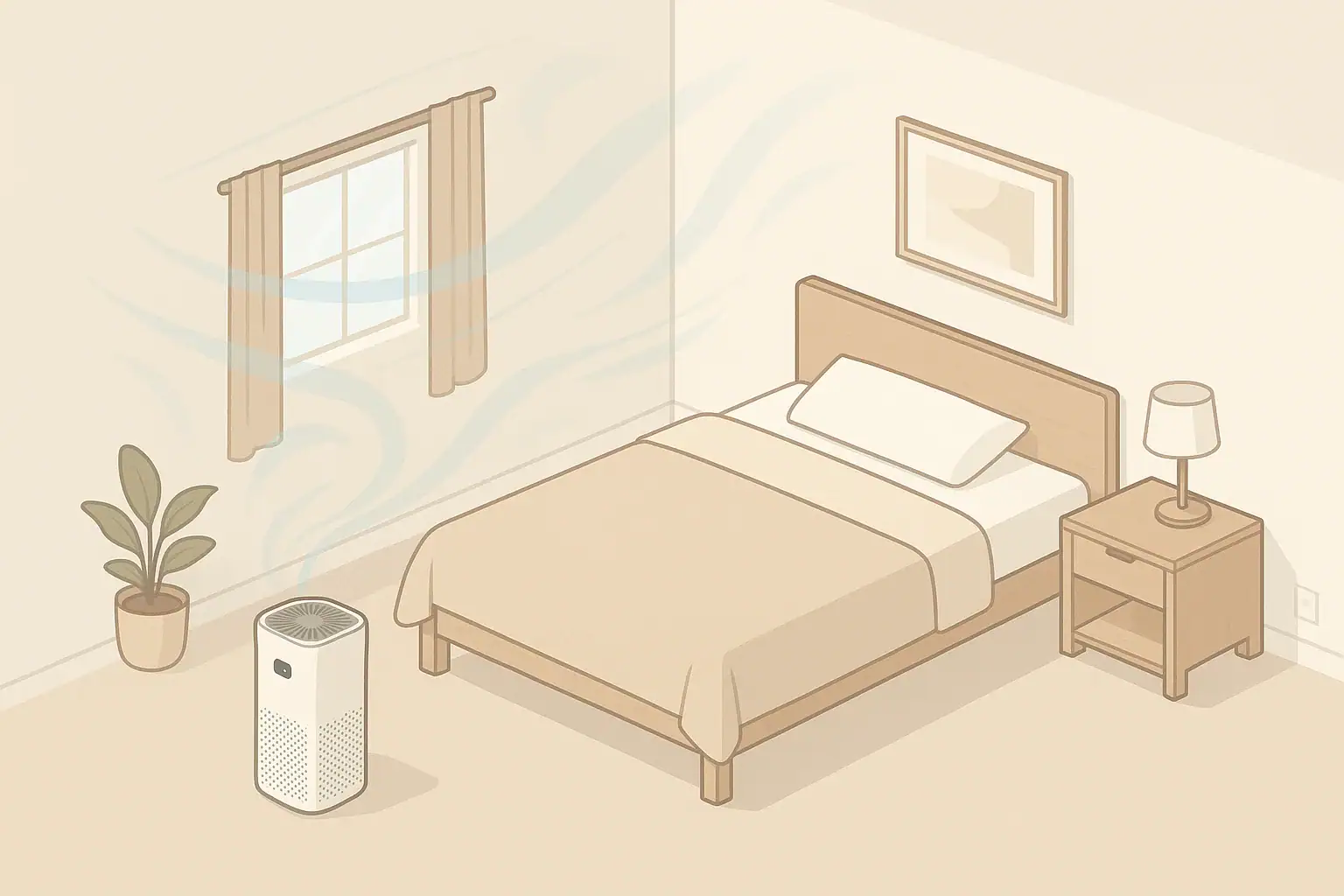
Auto mode usually cleans better with less attention, while a timer can save energy when you only need the purifier during predictable periods. The better setting depends on room size, fan speed, sensor quality, and how often particles or odors enter the room. In many homes, the most practical approach is auto mode during variable conditions and a timer for scheduled use, sleep, or empty rooms.
Quick answer
- Best for cleaning: Auto mode, if the purifier has a responsive particle sensor and is correctly sized for the room.
- Best for predictable energy savings: Timer mode, especially when running the unit 1–4 hours after cooking, cleaning, or opening windows.
- General cleaning target: Plan around about 4–5 air changes per hour for routine particle reduction in a closed room, using CADR and room volume as guides.
- Energy rule of thumb: Fan speed matters more than the timer itself; high speed usually uses much more power than low or medium.
- Practical default: Use auto mode when air quality changes, and use a timer when the source and time window are known.
What timer mode and auto mode actually do
An air purifier timer is a scheduling tool. It turns the purifier off after a selected period, or in some models, starts and stops the unit on a schedule. The timer does not measure air quality; it simply follows time.
Auto mode is a control setting. It uses one or more built-in sensors to estimate current air conditions and adjust fan speed. Most home purifiers that offer auto mode rely mainly on a particle sensor, although some models may also react to odors or gas-related signals.
The important difference is that timer mode is based on your expectation, while auto mode is based on the purifier’s sensor reading. A timer can be very efficient when the situation is predictable. Auto mode can be more effective when the room changes in ways you cannot easily schedule.
Energy and cleaning basics: CADR, ACH, fan speed, and sensors
To compare air purifier timer vs auto mode fairly, it helps to separate cleaning performance from energy use. Cleaning depends mostly on airflow through the filter, filter efficiency, room size, and how well air circulates. Energy use depends mostly on fan speed and run time.
CADR and room volume
Clean Air Delivery Rate, or CADR, is a general measure of how quickly a purifier can deliver filtered air for particles such as smoke, dust, or pollen. For room planning, a simple estimate is:
ACH = CADR × 60 ÷ room volume
Room volume is floor area multiplied by ceiling height. For example, a 200-square-foot room with an 8-foot ceiling has about 1,600 cubic feet of air. A purifier with a CADR near 120 cubic feet per minute would provide about 4.5 air changes per hour in that room, before real-world placement and leakage effects.
Why fan speed matters more than the setting name
A timer on high speed for two hours may use more electricity than auto mode on low speed for much of the day. Likewise, auto mode can use more energy if the sensor repeatedly raises the fan to high because pollution sources continue.
General home purifiers often use relatively low power on low speed and more power on high speed. Exact wattage varies by design, motor, filter resistance, and fan setting. For energy planning, compare the setting you actually use, not only the advertised maximum.
Sensor quality changes auto mode results
Auto mode is only as useful as the sensor and control logic behind it. A responsive particle sensor can increase fan speed when cooking particles, dust, smoke, or outdoor particles enter the room. However, a poorly placed or less sensitive sensor may react slowly or miss changes across the room.
Auto mode also may not respond strongly to every odor or gas. Activated carbon can help reduce some odor compounds, but a particle sensor does not directly measure all gases or VOCs.
| Setting | How it works | Energy pattern | Cleaning pattern | Best use |
|---|---|---|---|---|
| Timer on low | Runs for a set time at low speed | Lowest during operation | Slow, steady filtration | Quiet occupied rooms |
| Timer on medium | Runs for a set time at moderate speed | Moderate | Better air mixing than low | After cleaning or light cooking |
| Timer on high | Runs strongly, then turns off | Higher but limited by time | Fastest short-term particle reduction | Known short pollution events |
| Auto mode | Fan changes based on sensor readings | Variable | Adapts to changing conditions | Daily use with changing particle levels |
| Manual continuous low | Runs constantly at low speed | Low but continuous | Consistent background filtration | Bedrooms or offices |
| Off when away | No airflow through the filter | None | No active filtration | When ventilation or source control is enough |
Common mistakes that reduce cleaning or waste energy
The wrong setting is not always the main problem. Many performance issues come from sizing, placement, or expectations.
- Using auto mode in an undersized room setup: If the unit is too small for the room, the fan may run high often but still not provide enough clean air.
- Placing the purifier in a corner or behind furniture: Restricted intake or outlet airflow reduces both cleaning and energy efficiency.
- Using a short timer for a large room: A 30-minute run may not move enough air in an open-plan area.
- Expecting particle auto mode to handle all odors: Odor control depends on the carbon type, amount, airflow, and source control.
- Turning the purifier off too soon after a source event: Particles can remain suspended or resettle and become airborne again.
- Ignoring filter loading: A clogged prefilter or overdue main filter can reduce airflow and make higher speeds more necessary.
If the purifier seems to run high all the time in auto mode, look for ongoing sources. Common examples include cooking, candles, smoke intrusion, dusty activity, open windows during high outdoor particle periods, or a unit placed too close to a particle source.
Practical setting checklist for everyday home use
Use the setting that matches the air quality pattern in the room. The goal is not to run the purifier as little as possible; it is to provide enough filtered airflow without unnecessary high-speed operation.
Use auto mode when conditions change
- Outdoor particle levels vary during the day.
- Cooking, cleaning, pets, or foot traffic change the particle load.
- You want a hands-off setting for a bedroom, living room, or home office.
- The purifier is correctly sized and the sensor is not blocked.
Use a timer when the event is predictable
- Run the purifier during and after cooking for about 1–3 hours, depending on room size and ventilation.
- Use a 1–4 hour timer after vacuuming, dusting, or opening windows.
- Set a sleep timer if noise or light is a concern and the bedroom has already been filtered before bedtime.
- Use scheduled operation in rooms that are occupied at predictable times.
Use manual mode when you need certainty
Manual speed can be useful when auto mode is too conservative or too reactive. For example, choosing medium speed during a known source event may deliver steadier filtration than waiting for a sensor to respond. Manual high speed can be helpful for short periods, but it is usually louder and uses more power.
Real-world examples: which setting makes sense?
Bedroom overnight
For a bedroom, quiet and consistency usually matter. If the purifier is sized well, continuous low or auto mode can maintain background filtration with modest noise. A timer may work if you run the purifier on medium or high before sleep, then switch to low or allow it to turn off later. If the room is exposed to changing outdoor air or hallway air, auto mode may be more practical.
Kitchen and nearby living area
Cooking can create a short-term particle event. Source control and ventilation are important, such as using a range hood when available. A purifier near, but not directly in the path of grease or steam, can help filter particles in adjacent spaces. Timer mode on medium or high for 1–3 hours after cooking is often a practical choice, while auto mode may extend the run if particles remain elevated.
Home office during the workday
If the room is occupied for predictable hours, a schedule or timer can reduce unnecessary run time. Auto mode is useful if outdoor air, pets, or household activity changes throughout the day. For video calls or focused work, many people use low or medium speed for noise control and increase speed during breaks.
Open-plan spaces
Open-plan rooms are harder to clean with a single purifier because the air volume is larger and airflow paths are less controlled. Auto mode may react to nearby particles but may not represent the whole space. In larger areas, sizing by total volume and using steady manual or scheduled operation can be more reliable than short timer runs.
Safety and standards considerations for automatic features
For routine home particle filtration, a mechanical filter-based purifier is the usual starting point. Look for clear information about CADR, filter type, room size assumptions, and ozone-related testing or claims. Avoid using any device in a way that intentionally generates ozone indoors.
Some purifiers include ionizers, plasma features, or UV-C lamps. These features vary widely in design and are not the same as standard HEPA-style particle filtration. If a unit includes optional electronic features, review the manufacturer’s safety information and keep ozone-related claims in perspective. It is reasonable to choose operation that does not rely on optional ionizing features if your main goal is particle filtration.
UV-C components, where present, are typically enclosed inside a device. Do not bypass covers, modify safety switches, or operate internal lamps outside their intended housing. For most home users, correct sizing, good placement, and filter maintenance matter more than extra features.
Maintenance and upkeep that affect both modes
A clean, well-maintained purifier performs more predictably in both timer and auto mode. Maintenance affects airflow, noise, energy use, and the purifier’s ability to respond to changing conditions.
- Clean the prefilter when recommended: Dust and lint on the prefilter can restrict airflow.
- Replace the main particle filter on schedule: A loaded filter may reduce airflow and increase noise at higher speeds.
- Replace carbon when odors return: Carbon can become saturated depending on odor load and ventilation.
- Keep sensors clean: Dust on sensor inlets can make auto mode less accurate.
- Leave clearance around the unit: Many purifiers need open space around intake and outlet areas.
- Track operating hours: A timer may reduce filter loading, while continuous auto mode may increase total hours.
Filter cost planning should include how the purifier is actually used. A unit running continuously for a bedroom may need different replacement timing than a unit used only after cooking or cleaning. Manufacturer intervals are a starting point, not a perfect match for every home.
| Filter or part | Typical interval range | What changes it | Reminder |
|---|---|---|---|
| Washable or vacuumable prefilter | Every 2–4 weeks | Pets, dust, lint, frequent use | Clean gently and let dry if washed |
| Main particle filter | About 6–12 months | Run time, high particle load, filter size | Use the device manual as the baseline |
| Activated carbon filter | About 3–6 months | Cooking odors, smoke, VOC sources | Replace when odors pass through sooner |
| Sensor inlet | Monthly check | Dusty rooms, pet hair, placement | Keep openings clear, do not spray cleaners inside |
| Air intake and outlet grilles | Monthly check | Furniture blockage, dust buildup | Maintain open airflow on all sides needed |
| Operating schedule review | Seasonally | Weather, wildfire smoke, pollen, occupancy | Adjust timer or auto use as conditions change |
Related guides: How to Choose the Right Air Purifier for Your Room Size • Air Purifier Placement: Where to Put It for Best Results • Air Purifier Maintenance Checklist: Filters, Sensors, and Cleaning
Summary: simple rules for choosing timer or auto mode
Choose auto mode when particle levels change and you want the purifier to adjust without constant attention. It is usually the better option for day-to-day cleaning if the unit is correctly sized, the sensor is responsive, and airflow is not blocked.
Choose timer mode when the source is predictable and time limited. It can save energy by preventing unnecessary run time after cooking, cleaning, or a planned room-use period. For many homes, the most balanced setup is auto mode for changing conditions, manual medium or high for short known events, and a timer when you know when filtration is no longer needed.
The setting alone does not determine results. Room size, CADR, fan speed, placement, filter condition, and ventilation all matter. If you use those basics well, both timer and auto mode can support cleaner indoor air while keeping energy use practical.
Frequently asked questions
Is auto mode better than a timer for everyday use?
Usually, yes, if the purifier has a good particle sensor and the room conditions change throughout the day. Auto mode can adjust fan speed when dust, cooking particles, or outdoor air change. A timer is better when you know exactly when you need filtration and when you do not.
When does a timer work better than auto mode?
A timer works better when the pollution source is predictable, such as after cooking, vacuuming, or opening windows. It can prevent the purifier from running longer than needed once the event is over. That can save energy, especially if the purifier would otherwise stay on high.
Does auto mode use less electricity than running a timer?
Not always. Energy use depends more on fan speed and how long the purifier runs than on the setting name itself. Auto mode may use less power if it stays on low most of the time, but it can use more if the sensor repeatedly triggers higher speeds.
Why does my purifier stay on high in auto mode?
It usually means the sensor is detecting ongoing particle levels or reacting to a nearby source. Common causes include cooking, smoke, dust, pets, open windows, or clogged filters. Placement and sensor cleanliness can also affect how the unit behaves.
Can I use auto mode overnight in a bedroom?
Yes, if the purifier is appropriately sized and the noise level is acceptable. Auto mode can maintain background filtration while adjusting for changes in room air. If the room stays fairly stable, continuous low speed or a sleep timer may also work well.
Recommended next:
- Best Air Purifiers for Allergies: What to Look For (CADR, HEPA, Carbon)
- How to Choose the Right Air Purifier for Your Room Size
- Air Purifier Placement: Where to Put It for Best Results
- Do Air Purifiers Help With Smoke and Odors?
- Air Purifier Noise: What dB Levels Are Quiet Enough for Sleep?
- Best Air Purifiers for Pets: Dander, Odors, and Filter Costs
- More in Air Purifiers →
- Clear sizing logic (room size → CADR/ACH)
- HEPA vs carbon explained for real use-cases
- Humidity + ventilation basics to reduce mold risk