
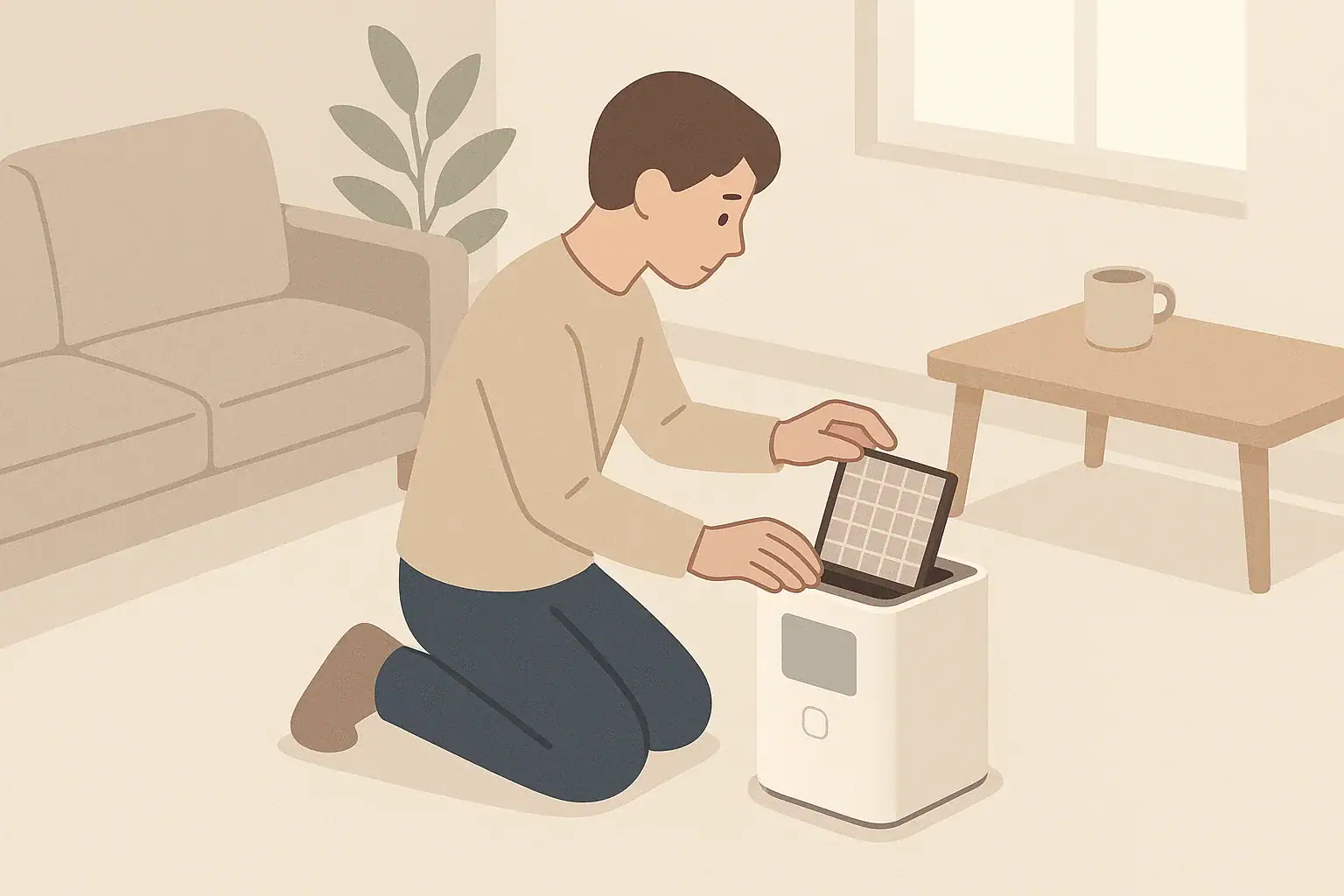
Why Cleaning and Calibration Matter for Air Quality Monitors
Home air quality monitors can help you understand what is in your indoor air, from fine particles to basic indicators like carbon dioxide and total volatile organic compounds (TVOCs). Over time, dust buildup, humidity, and normal sensor drift can make readings less reliable. Regular cleaning and periodic calibration checks help keep your monitor closer to its intended performance.
This guide focuses on practical, at‑home steps for consumer air quality monitors that measure common metrics such as:
- Particulate matter (often PM2.5 and sometimes PM10)
- Carbon dioxide (CO2) or estimated CO2 from VOCs
- TVOC or individual gases (depending on the device)
- Temperature and relative humidity
Always read the manual for your specific device before cleaning or attempting any calibration. Some monitors are fully sealed, some are partially user‑serviceable, and others may require factory recalibration only.
How Often to Clean and Check an Air Quality Monitor
The right schedule depends on how dusty your home is, where you place the monitor, and how often you cook, burn candles, or open windows. A simple maintenance rhythm keeps things manageable without constant tinkering.
General cleaning frequency
For many homes, a basic rule of thumb is:
- Quick exterior dusting: every 2–4 weeks
- More detailed vent and sensor area cleaning: every 3–6 months
- Calibration check or comparison: every 6–12 months, or as the manufacturer suggests
Homes with heavy indoor dust, nearby construction, pets that shed a lot, or frequent indoor smoke (such as cooking smoke or fireplaces) may benefit from more frequent checks.
Signs your monitor may need attention
Consider cleaning and checking your monitor if you notice:
- Readings that no longer respond to obvious changes, such as opening windows or cooking
- PM2.5 values that stay unusually high or low compared with nearby outdoor air reports
- CO2 or TVOC readings that change suddenly without a clear reason
- Visible dust buildup in vents or on the housing
- Unusual noises from internal fans, if your monitor uses an active air intake
Example values for illustration.
| Task | Why it matters | Notes |
|---|---|---|
| Dust exterior housing | Prevents dust from clogging vents and affecting airflow | Use soft, dry cloth or microfiber |
| Clean air inlets and outlets | Helps particles flow correctly past sensors | Compressed air on low pressure or soft brush |
| Check power and cables | Avoids intermittent shutdowns that reset readings | Inspect for loose plugs or damaged cords |
| Compare readings to outdoor reference | Helps spot obvious sensor drift | Use public air quality data as a rough benchmark |
| Stabilize in a single room | Reduces short‑term spikes from moving the device | Let it run in place for several hours before judging |
| Review manufacturer app or logs | Shows longer‑term patterns and step changes | Look for sudden jumps not tied to lifestyle changes |
Safe Cleaning Methods for Home Air Quality Monitors
Most consumer air quality monitors are not designed to be opened fully by users. Focus on gentle, surface‑level cleaning and protecting sensor openings without touching the actual sensor elements inside.
Supplies to use (and avoid)
Generally safe supplies include:
- Soft, lint‑free or microfiber cloth
- Can of compressed air used in short bursts, held at a distance
- Small, clean, soft brush (such as a camera lens brush)
- Mild soap and water for an external cloth, well wrung out
Avoid:
- Liquid cleaners sprayed directly on the device
- Alcohol, ammonia, or solvent‑based products near vents or openings
- Vacuum nozzles pressed directly onto vents (can create static or damage)
- Sharp tools inserted into grilles or sensor holes
Step‑by‑step exterior cleaning
Use this basic process for most home monitors:
- Power down if recommended. If the manual allows, unplug or turn off the device before cleaning.
- Wipe the housing. Use a dry microfiber cloth to remove dust from the case, display, and buttons.
- Clean vents gently. Aim compressed air at air inlets and outlets from a few inches away, in short bursts, or use a soft brush to loosen dust.
- Spot‑clean exterior. If needed, slightly dampen a cloth with mild soapy water, wring it out well, and wipe only the outer shell. Avoid seams and openings.
- Let any moisture evaporate. Allow the device to sit until fully dry before turning it back on.
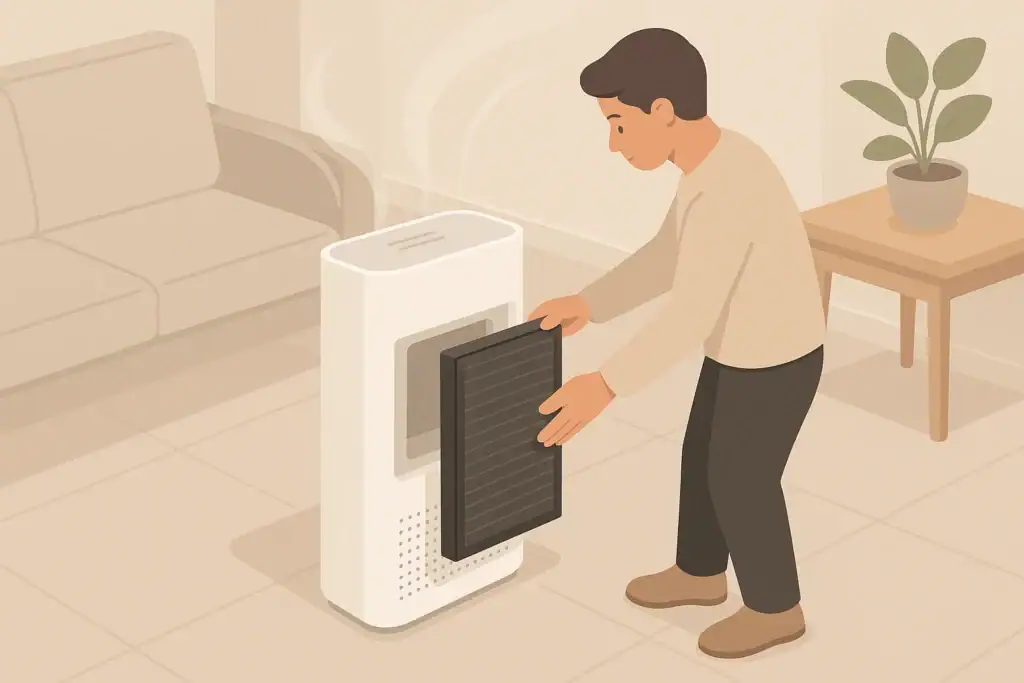
Some monitors have removable dust screens or coarse filters in front of the particle sensor. If your manual shows such a part, it may be safe to remove and gently clean it per the manufacturer’s instructions.
Cleaning Specific Sensor Areas
Different sensor types are sensitive in different ways. Most consumer monitors hide sensors behind vents for protection, but understanding what is behind those vents can guide your cleaning routine.
Particle sensors (PM2.5 and PM10)
Many PM sensors draw air through a small chamber and use light scattering to estimate particle concentration. Dust on the inlet, internal fan, or optical path can affect readings.
For user‑accessible areas:
- Locate any dust screen or foam pre‑filter near the PM intake, if present.
- Remove only if the manual confirms that it is user‑removable.
- Tap gently to dislodge loose dust, or use compressed air from a distance.
- Do not wash unless the instructions clearly allow water.
Avoid inserting tools or swabs into the PM chamber, as this can misalign optical parts or damage a small fan.
CO2 and TVOC sensors
Common CO2 sensors in home devices include non‑dispersive infrared (NDIR) types. Some low‑cost monitors instead estimate CO2 from VOC measurements. Gas sensors can be affected by heavy dust, oil vapors, and persistent strong odors.
- Keep the gas sensor vents clean using the same exterior dusting and gentle air methods.
- Avoid using strong cleaning products near the monitor that could temporarily saturate the sensor.
- Do not apply liquids or wipes directly to any area labeled as a gas sensor window.
Temperature and humidity sensors
These sensors often sit near the main air inlets and can be affected by blocked airflow or direct sunlight.
- Keep vents clear to allow room air to pass freely.
- Avoid placing the monitor directly above radiators, near ovens, or in direct sun.
- Use the same gentle exterior cleaning methods to remove dust around the inlets.
Basic Calibration Concepts for Home Monitors
Professional calibration requires specialized equipment and reference gases or particle standards. Consumer devices usually rely on built‑in calibration routines or periodic factory service. At home, you can focus on verification and relative calibration rather than laboratory‑grade adjustment.
Factory calibration vs. user calibration
Most consumer monitors arrive with factory calibration. Options you may see include:
- Automatic baseline calibration: Some CO2 and VOC sensors slowly adjust their baseline over days or weeks, assuming they occasionally experience fresh air.
- Single‑button or menu calibration: Certain models allow a user to initiate a calibration cycle when the device is placed in assumed fresh air.
- Factory recalibration service: Some devices must be shipped back after a specified number of years for precise recalibration or sensor replacement.
Before using any calibration feature, understand what the device expects: for example, some CO2 calibration steps assume you are outdoors or in a well‑ventilated area.
What you can reasonably do at home
At home, you can:
- Compare your monitor to public outdoor air data for particles as a rough check.
- Check your monitor next to a second, independent monitor for relative consistency.
- Use manufacturer‑provided calibration functions carefully, following instructions closely.
- Document readings over time to spot slow drift rather than judging on a single day.
A home device is best treated as a trend and relative‑change tool rather than a strict reference instrument.
How to Check and Calibrate Particle (PM2.5) Readings
Fine particle measurements can vary with sensor design, airflow, and even the composition of local dust or smoke. You can still perform practical checks that improve your confidence in the numbers.
Step 1: Stabilize the environment
Place the monitor in a typical living area away from windows, vents, or appliances. Let it run undisturbed for several hours so readings can stabilize. Avoid cooking, candles, or vacuuming during this period if possible.
Step 2: Compare to nearby outdoor information
On a calm, typical day, look up a nearby outdoor air quality report for PM2.5. While indoor and outdoor numbers are rarely identical, the relationship can be informative:
- If outdoor PM2.5 is low and you have no strong indoor sources, indoor levels are often in the same general range or somewhat lower.
- During outdoor smoke events, indoor PM2.5 can be lower than outdoors if windows are closed and filtration is used, but usually not close to zero.
Use this only as a general sanity check. Variations of several micrograms per cubic meter or more are common due to building envelope, ventilation, and indoor activities.
Step 3: Perform simple indoor tests
You can also observe how your monitor responds to controlled indoor activities:
- Boil water or toast bread briefly and see whether PM2.5 rises and then falls as the air clears.
- Run an air purifier on a higher setting for an hour in a closed room and see if particle readings trend downward.
If the monitor barely responds to obvious particle sources, consider cleaning vents again, checking power, and reviewing the manual for troubleshooting or reset options.
How to Check and Calibrate CO2 Readings
CO2 is a useful proxy for how much fresh air is mixing into a space. Many monitors use NDIR sensors that allow user‑initiated baseline calibration.
Step 1: Understand your sensor type
Read the documentation to see whether your monitor:
- Uses a true CO2 sensor (often noted as NDIR)
- Estimates CO2 from VOCs (sometimes labeled as eCO2 or equivalent CO2)
- Supports manual calibration or relies on automatic baseline tuning
True CO2 sensors and estimated CO2 behave differently, especially in spaces with persistent odors or cleaning products.
Step 2: Use outdoor air as a reference point
Outdoor CO2 over large areas tends to fall within a fairly stable range, with local variation. Some devices recommend placing the monitor outdoors (or in a very well‑ventilated space) for a set time, then pressing a calibration button so the sensor resets its baseline.
If your monitor offers this function:
- Follow the manual’s timing and placement instructions carefully.
- Avoid calibrating during events with unusual local emissions, such as idling vehicles close by.
- Do not calibrate in a small, partially enclosed area where exhaled breath could accumulate.
Step 3: Avoid frequent manual recalibration
Repeatedly forcing a baseline adjustment can cause more drift. Unless the manufacturer suggests otherwise, reserve manual CO2 calibration for situations where:
- Readings remain clearly unrealistic for days, such as extreme values with no change.
- The device indicates a calibration error or recommends recalibration.
After any calibration, watch trends over several days to confirm that readings behave more reasonably.
How to Check and Calibrate TVOC and Gas Readings
TVOC sensors and individual gas sensors can be very sensitive, and their readings are often influenced by many factors: cleaning products, perfumes, furniture, cooking, and outdoor air. Treat gas measurements primarily as indicators of change, not exact values.
Understanding TVOC behavior
TVOC readings may rise and fall even when you do not notice any odor. They may respond strongly to:
- Paints, adhesives, and new furnishings
- Air fresheners, scented candles, and sprays
- Cooking, especially frying or high‑heat methods
- Open windows near traffic or other outdoor sources
Because TVOC sensors often self‑adjust over time, manual calibration is less common. Instead, focus on cleaning the device exterior and vent area while avoiding saturating the sensor with strong cleaners.
Simple verification approach
To check whether your TVOC sensor responds reasonably:
- Note the baseline reading in a room after several hours of no strong activities.
- Introduce a known source, such as cooking or opening a window near a busy street.
- Observe whether readings rise during the activity and gradually fall afterward.
If the sensor no longer responds at all, consult the manual for any reset procedure or recommended sensor replacement interval.
Placing Your Monitor for More Reliable Readings
Even a well‑cleaned, factory‑calibrated monitor can give misleading information if it sits in an awkward location. Thoughtful placement often improves usefulness more than fine‑tuning numbers.
General placement guidelines
- Height: Place around typical breathing height when seated or standing, if possible.
- Distance from walls: Keep a few inches of space around vents for airflow.
- Away from direct sources: Avoid placing directly over stoves, right next to candles, or on window sills.
- Avoid drafts: Do not position directly in the path of a supply vent or fan that could skew readings.
Using multiple locations over time
If you own a single portable monitor, you can rotate it between rooms on different days. When doing this:
- Allow several hours in each new location for readings to stabilize.
- Keep notes on where and when you measured to interpret patterns correctly.
- Avoid constantly moving the monitor back and forth within minutes, which makes trends harder to interpret.
Interpreting Monitor Metrics and Common Pitfalls
Cleaning and calibration help the device work as designed, but understanding what the numbers signify is just as important. Misinterpretation can lead to unnecessary worry or a false sense of security.
Using trends rather than single snapshots
Short‑term spikes are common, especially for particles and VOCs during cooking, cleaning, or opening windows. Focus on:
- Day‑to‑day patterns, such as regular evening rises in CO2 when the home is most occupied.
- How quickly readings return toward baseline after ventilation or filtration.
- Seasonal differences when windows are mostly closed versus often open.
Recognizing limitations of consumer monitors
Home monitors are designed to offer convenient insight, not precise regulatory compliance measurements. Limitations can include:
- Reduced accuracy at very low or very high concentrations
- Sensor aging over years, especially for VOC and CO2 sensors
- Cross‑sensitivity, where one gas influences a reading meant for another
When in doubt, treat readings as indicators to adjust everyday actions such as opening windows, using exhaust fans, or running air purification, rather than as definitive measurements.
Example values for illustration.
| Metric | What it indicates | Common pitfalls | Action idea |
|---|---|---|---|
| PM2.5 | Fine particle levels from dust, smoke, and combustion | Overreacting to brief spikes from cooking or toasting | Use range hood, close bedroom doors, run filtration during peaks |
| PM10 | Coarser dust and larger particles | Assuming PM10 alone captures all fine smoke particles | Vacuum with good filtration and reduce heavy dust sources |
| CO2 | How much exhaled air accumulates, a proxy for ventilation | Ignoring room size and number of people when judging values | Increase ventilation with windows or mechanical exhaust when elevated |
| TVOC | Combined presence of volatile organic compounds | Expecting direct correlation with odor strength or specific chemicals | Limit strong chemical products and ventilate after painting or cleaning |
| Temperature | Thermal comfort and potential impact on humidity | Placing monitor in direct sun or above heat sources | Adjust thermostat gradually and avoid extreme swings |
| Relative humidity | Moisture level in air, related to comfort and dampness | Ignoring sensor lag or localized moisture near bathrooms | Aim for a moderate range using ventilation, humidifiers, or dehumidifiers |
When to Replace or Service an Air Quality Monitor
Even with careful cleaning and calibration efforts, sensors eventually age. Most gas sensors and some particle sensors have a limited expected lifespan, often a few years, depending on the design and usage conditions.
Indicators that service or replacement may be needed
- The manufacturer specifies a sensor life that has been exceeded.
- Readings no longer respond to obvious changes in air quality, despite cleaning.
- Values remain stuck at unrealistically low or high levels for days.
- The device frequently shows error codes or fails self‑tests, if available.
Check the manual for any recommended service intervals or sensor replacement options. In some designs, a new monitor can be more practical than repairing an older one. Whatever approach you choose, keep using your monitor as a guide to improve everyday decisions about ventilation, filtration, and sources of indoor pollution, rather than as an absolute measuring instrument.
Frequently asked questions
How often should I clean the air inlet and sensor areas on a home air quality monitor?
Clean vents and sensor areas every 3–6 months as a general guideline, increasing frequency in dusty homes or where there is frequent cooking or smoke. Perform quick exterior dusting every 2–4 weeks and always follow the manufacturer’s instructions before removing any parts.
Is it safe to use compressed air and alcohol wipes to clean my air quality monitor?
Using canned compressed air in short bursts from a few inches away is generally safe for removing loose dust, but avoid blasting directly into the sensor chamber. Do not use alcohol or solvent-based wipes near vents or sensor openings unless the manual explicitly permits them, because liquids and solvents can damage sensors.
How can I perform a basic CO2 calibration at home?
If your monitor supports manual baseline calibration, place it in outdoor or very well-ventilated air per the manual’s instructions and initiate the device’s calibration routine so it can set a fresh-air baseline. Avoid calibrating near local emission sources or in small enclosed spaces where CO2 may be elevated, and don’t recalibrate frequently unless readings remain clearly unrealistic.
Why do my PM2.5 readings sometimes differ from nearby outdoor monitors?
Differences stem from sensor design, sampling location, indoor activities, ventilation, and particle composition; indoor levels are often lower or differ in composition from outdoor air. Use outdoor data as a trend sanity check rather than expecting identical absolute values.
When should I replace the sensors or the entire air quality monitor?
Consider replacement or service when the manufacturer‑specified sensor life has been exceeded, when readings no longer respond after proper cleaning, or when the device repeatedly shows errors or fails self-tests. For some consumer designs, replacing the monitor may be more practical than repairing older sensors.
Recommended next:
- Clear sizing logic (room size → CADR/ACH)
- HEPA vs carbon explained for real use-cases
- Humidity + ventilation basics to reduce mold risk
About this site
Home Air Quality Lab publishes practical, independent guides about indoor air quality—clear sizing, safer use, and real-world expectations.
Affiliate disclosure
Some links on this site may be affiliate links. If you buy through these links, we may earn a small commission at no extra cost to you. This helps support our content. Learn more.